Three views, one mission
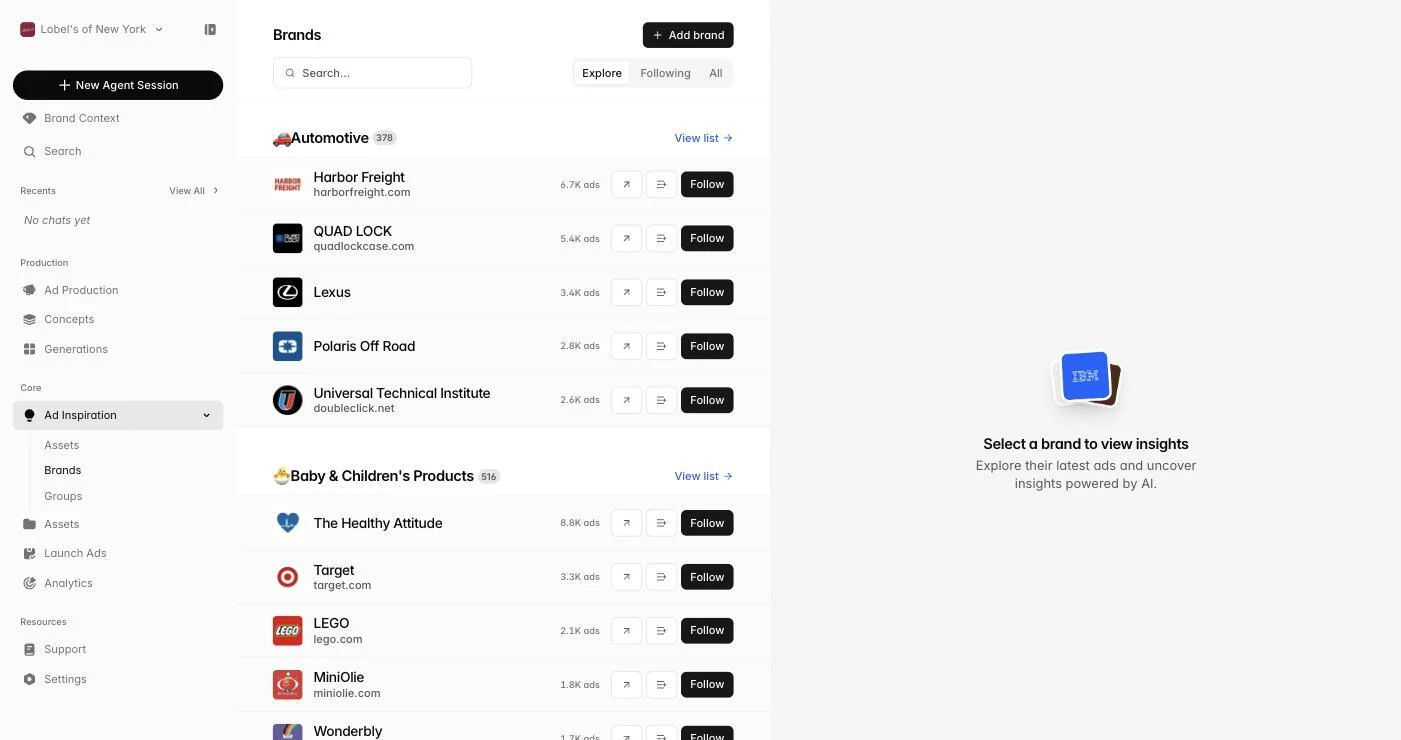
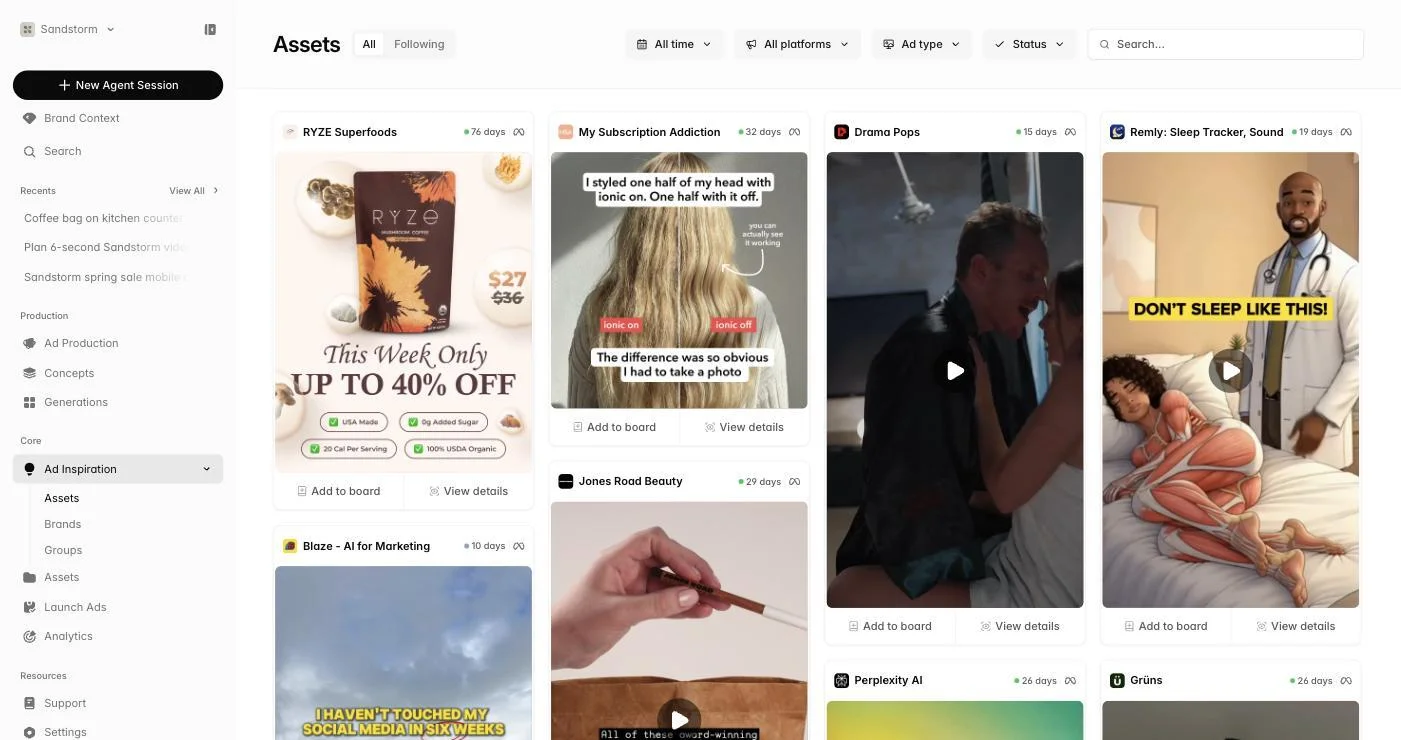
The sidebar's Ad Inspiration dropdown opens three surfaces: Assets (the cross-brand ad feed), Brands (the brands you follow), and Groups (collections of brands for comparison). All three render in the same masonry layout so you can scan creative quickly and click into anything that grabs your eye.
 Go to Watchtower
Following brands
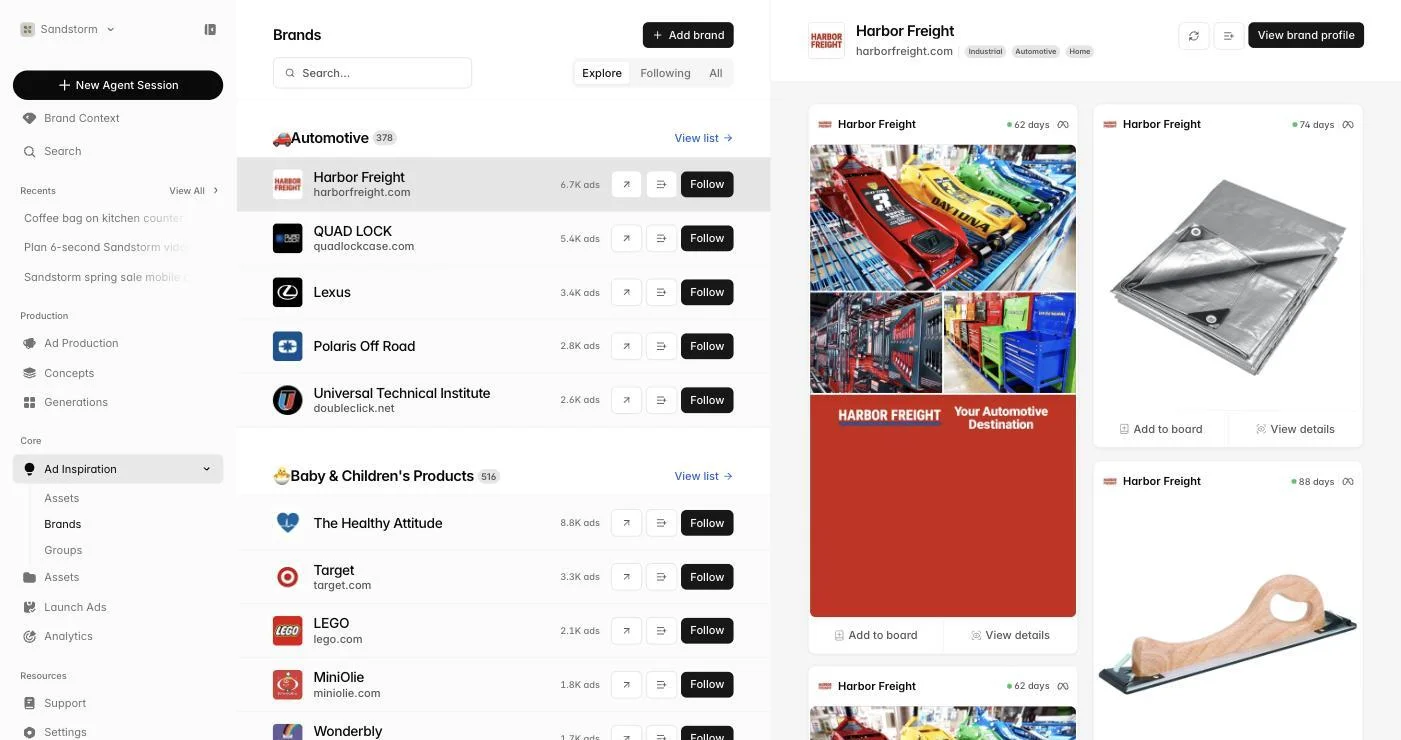
Search for brands by name or browse by industry category (40+ categories from Beauty to SaaS to DTC Food). Follow any brand to add it to your library — Sandstorm pulls in their live ad creative across Meta, LinkedIn, and other platforms automatically, with new ads appearing as they launch.
Inside a brand: Meta, LinkedIn, Strategy
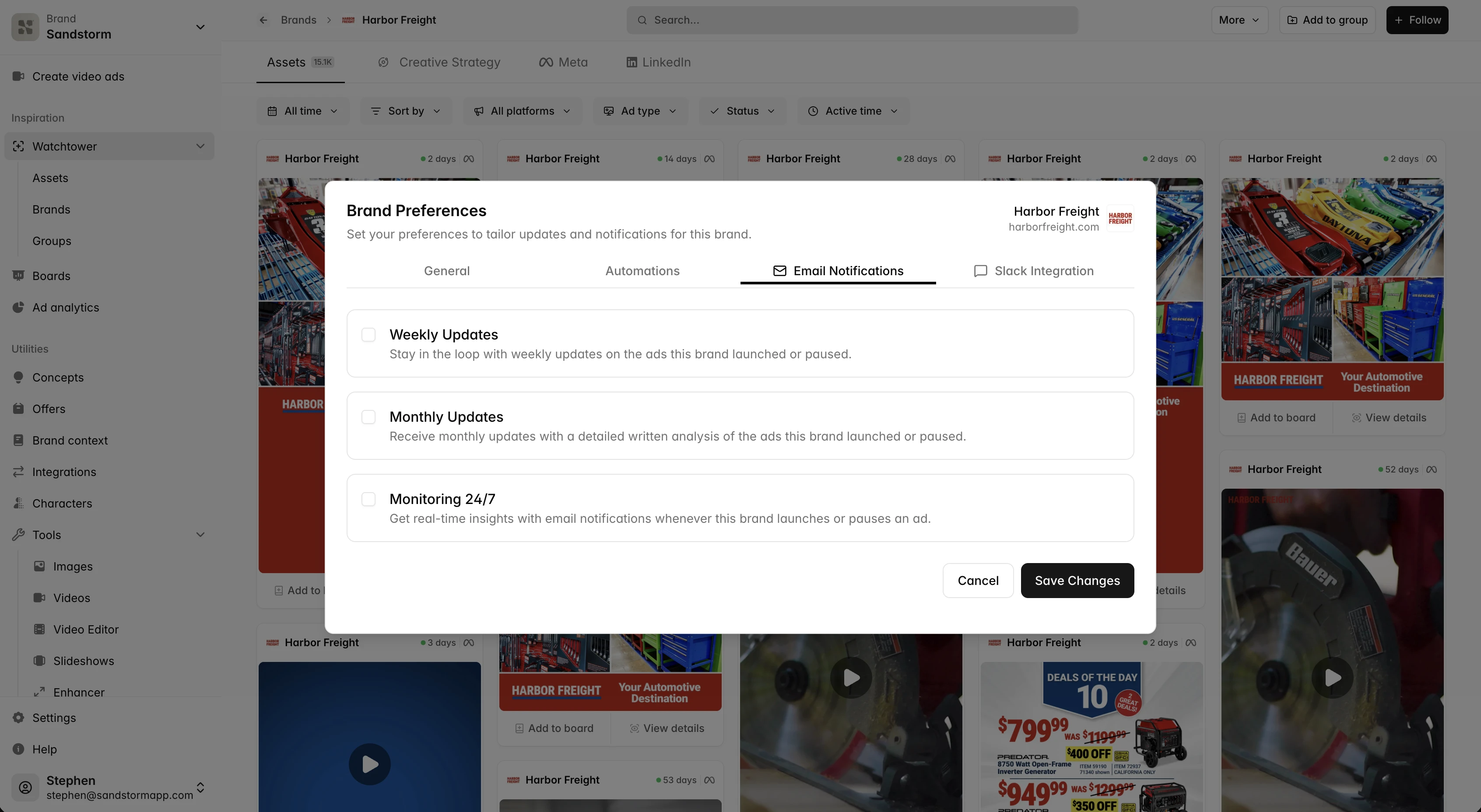
Open any followed brand to enter its detail page. Tabs cover Assets (every ad we've found), Meta (Facebook & Instagram ads with headlines, body, CTAs, and active-days), LinkedIn (LinkedIn-specific creative), and Creative Strategy (a long-form report breaking down why this brand's ads work — hooks, formats, messaging patterns, evolution over time).
The cross-brand assets feed
Open Watchtower → Assets for a single feed of every ad across every brand you follow. Filter by platform, format (image, video, carousel, dynamic), date range, status (active / inactive), and engagement duration. 'Active for 1+ months' is the strongest performance signal — those are the ads working.
 Open the assets feed
Groups
Groups let you bundle related brands into a single feed — 'Direct Competitors', 'Premium Tier', 'Newcomers To Watch'. Open a group to see all member brands' assets in one masonry, with a multi-brand filter chip. Group settings let you add or remove brands, rename, and manage access.
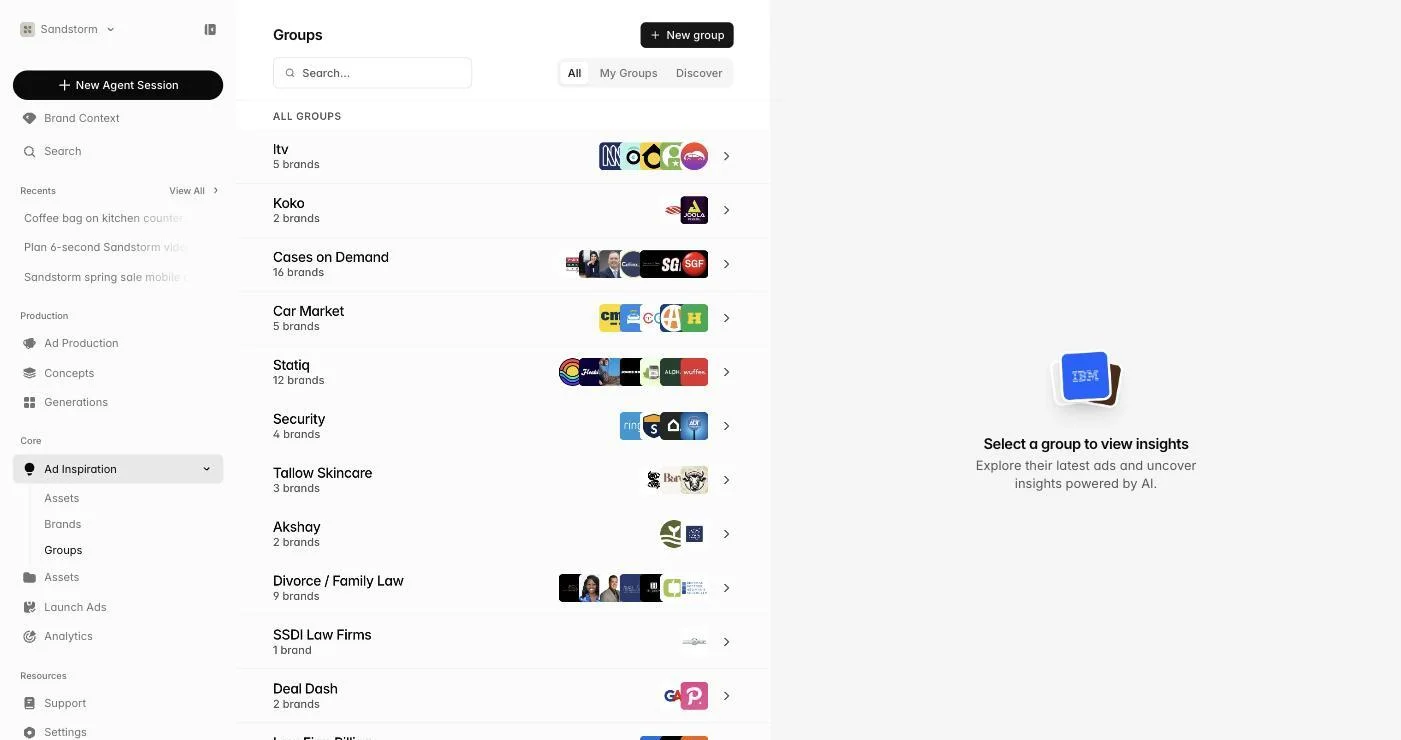 Manage groups
Wiring research back into production
Watchtower is most powerful when it loops back into making things. Spot a competitor launching a new angle? Ask the agent 'remix this ad for our brand' and reference the Watchtower asset directly. Strategy reports also flow into Brand Context's Competitors tab.