Your generation history
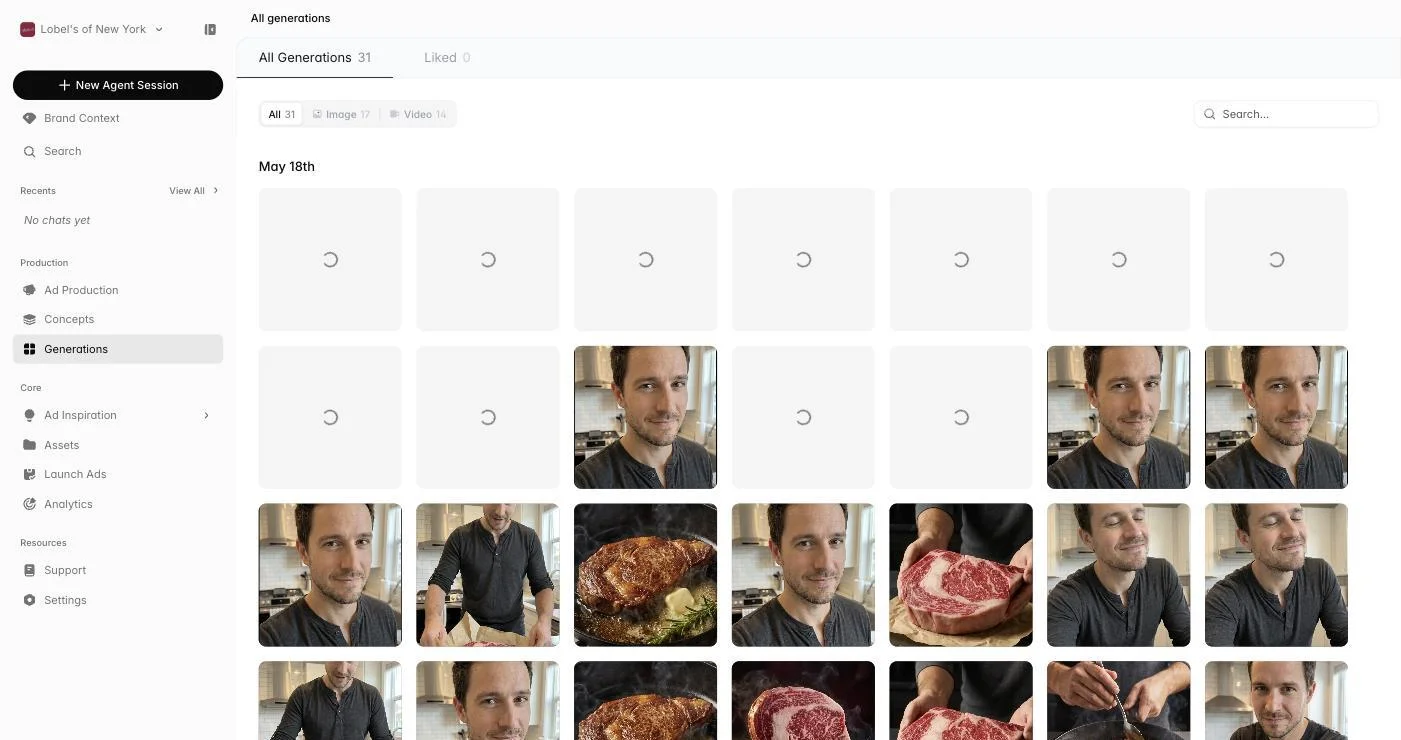
Generations is a single gallery for every image and video the AI has made for your brand — whether it came from a chat, a cycle, or a standalone tool. Items appear here as soon as they finish rendering. Search by name, browse chronologically, and click any asset to open it full-size with its source context.
 Go to Generations
Filtering and finding assets
Use the type filter to narrow down to images or videos, and the Liked view to see only your favorites. The search bar finds assets by name or description.
TipLike your best generations as you create them. The Liked filter becomes your curated collection of proven creative assets.
Liking and reusing
Hover any asset and click the heart to favorite it. Liked items stick across sessions and surface in the Liked view, in your Assets library, and as suggestions when the agent looks for the right reference. Use it as a lightweight shortlist before presenting work to stakeholders.