Uploading assets
Assets is a single home for everything visual in your brand. Drop in images, videos, logos, audio, and more (PNG, JPG, SVG, MP4, MOV, WAV, and others) and Sandstorm tags and organizes them automatically.
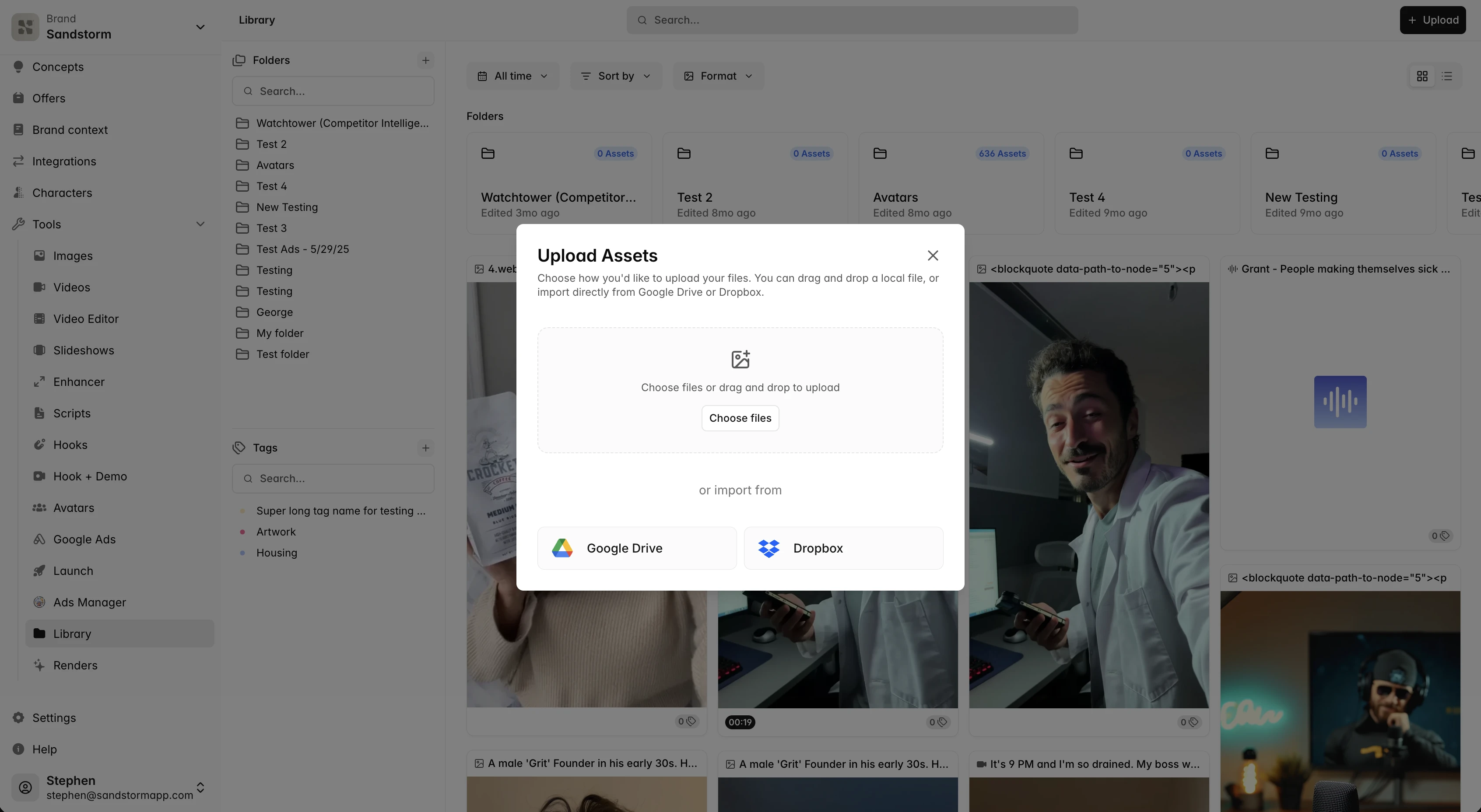
AI-powered tagging and search
Every asset is automatically analyzed and tagged. Search for 'red product on white background' or 'outdoor lifestyle scene' and find matches instantly — no manual tagging required. The agent uses these tags too, so 'use our hero shot in the new ad' finds the right image.
Folders, tags, and categories
The right sidebar gives you category filters (All, Images, Videos, Audio, Renders), tag chips, and a folder tree. Use folders for high-level structure ('Q3 Campaign', 'Evergreen Product Shots') and tags for cross-cutting attributes ('lifestyle', 'on-white', 'avatar').
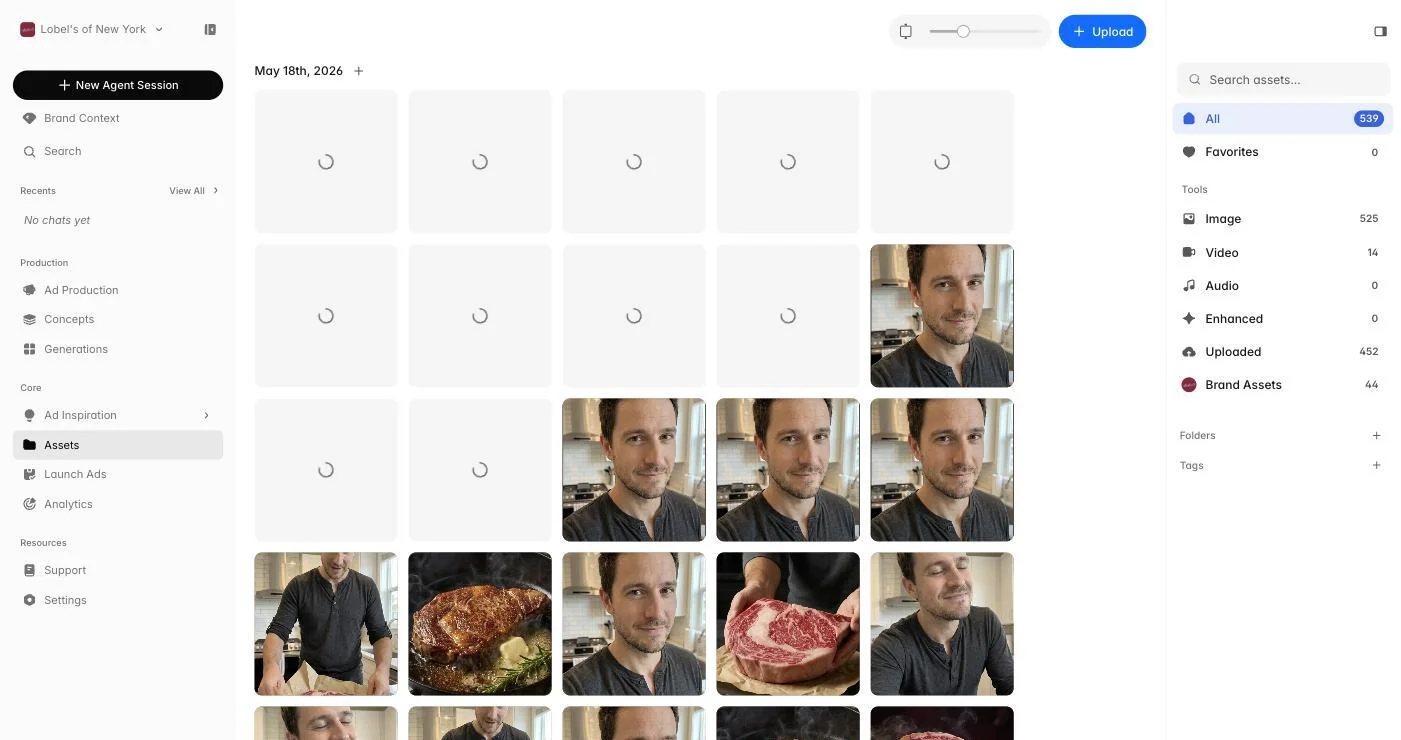
Renders alongside source assets
Finished ads from Ad Production show up here too, so you can audit everything your brand has shipped without leaving the page. Drag a render into a folder to organize launched work, or use it as a reference when starting a new campaign.