The Support button
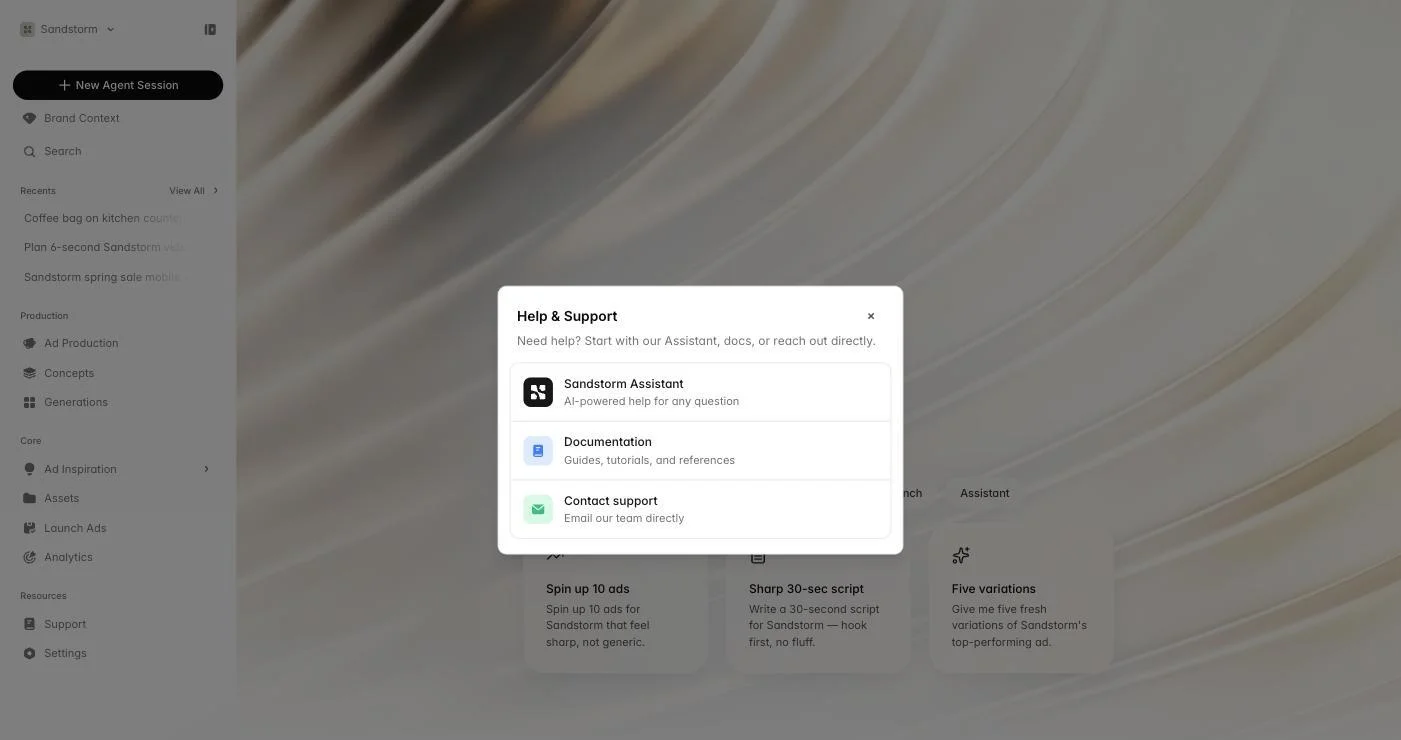
Click Support in the Resources section of the sidebar to open the help menu. From there you can chat with the Sandstorm Assistant (an AI helper specialized in our platform), jump into these docs, or send an email to our team.
Sandstorm Assistant
The assistant is a chat helper for questions about how Sandstorm itself works — 'how do I connect a Meta account?', 'where do my finished ads live?', 'what's the difference between Concepts and Generations?'. It answers from these docs and links you to the article it used. Use it any time you'd otherwise ask a teammate.
Contacting our team
For anything the assistant can't answer — pricing questions, technical issues, account problems, or just feedback — email team@sandstormapp.com. We read every message.
Keyboard shortcuts
A few worth knowing. ⌘K opens the global search across threads, brands, assets, and routes — way faster than the sidebar. ⌘Enter sends an agent message when you're typing. Escape closes most modals and popovers.