What Launch Ads does
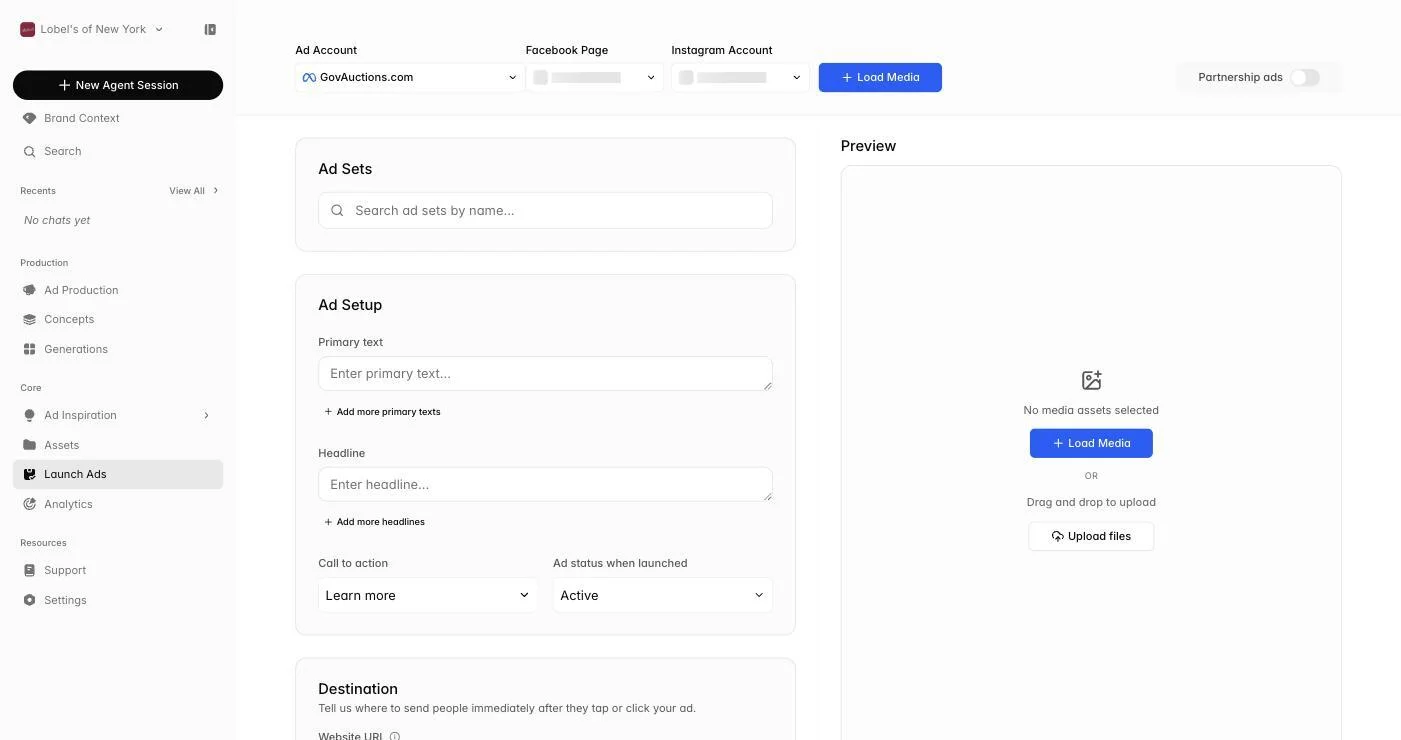
Launch Ads is where finished creative leaves Sandstorm and goes live in your ad accounts. Pick the assets you want to publish, choose the ad sets and placements, dial in the copy and destination URL, and ship — all in one screen.
 Go to Launch Ads
Picking your creatives
Browse your finished ads on the left and add the ones you want to launch to the preview panel on the right. You can mix images and videos in a single launch, remove individual selections, or clear everything and start over.
Configuring per-platform settings
For each platform, choose the ad sets that should receive your new creative, write or edit the headline, body copy, and call-to-action, set the landing page URL (and any UTM parameters), and attach a pixel or conversion event so performance feeds back into Analytics. Sandstorm formats creatives to meet each platform's requirements automatically.
Publishing
Review the final summary and click Launch. You'll see live progress as your ads go up, then a confirmation showing which accounts and placements were updated. From there, head to Analytics to track how the new ads are performing.