Sandstorm in Claude, Figma and Slack.
One agent, wherever you already work. Add the MCP server to Claude or Claude Code, run the plugin on your Figma canvas, or @mention it in Slack. Same brand context, same models, same ad accounts.
https://mcp.sandstormapp.com/mcpConnect in a minute
Pick where you work. Every route signs in with your Sandstorm account; there are no API keys to manage.
- 1Open Settings, then Connectors, and click Add custom connector.
- 2Name it Sandstorm, paste the server URL, and click Add.
- 3Click Connect and sign in with your Sandstorm account. In a chat, check that Sandstorm is on in the tools menu.
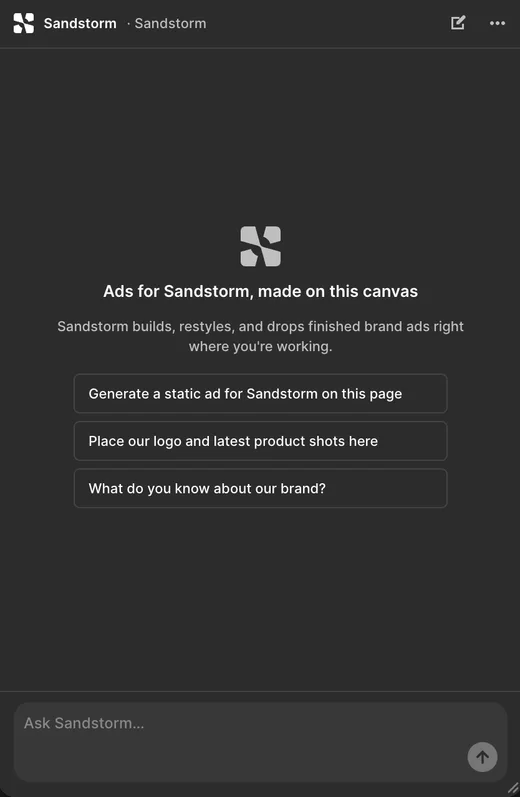
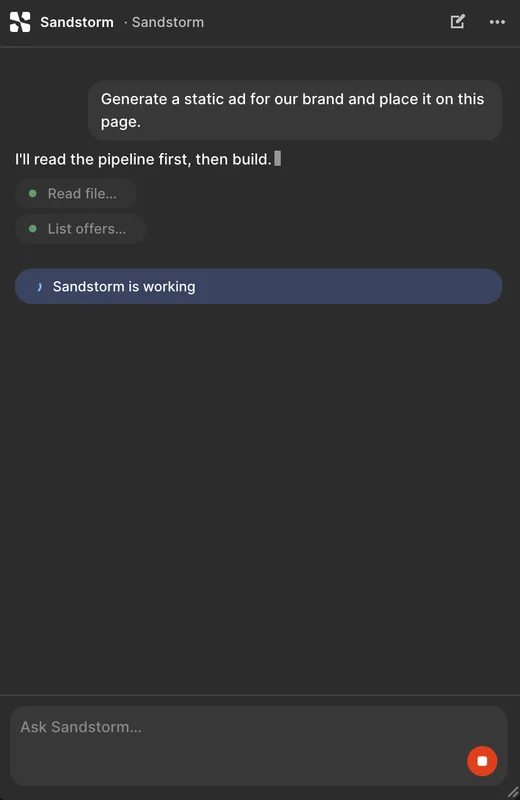
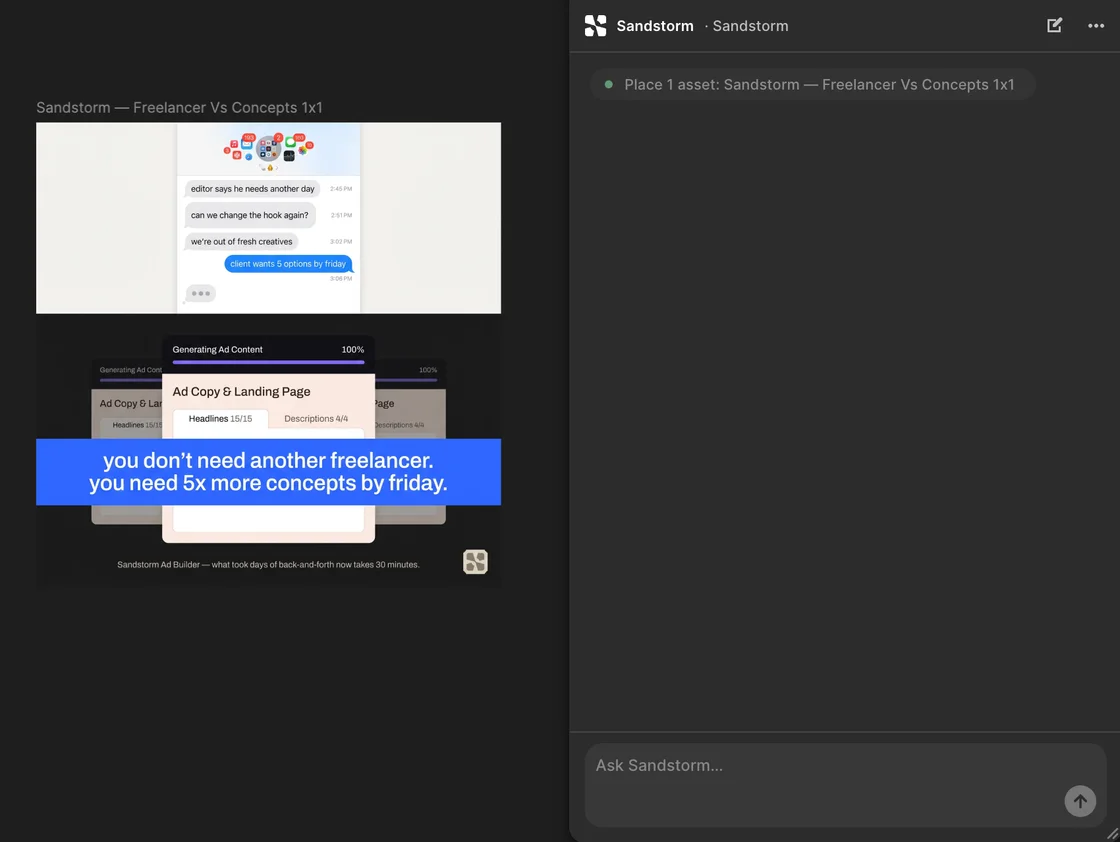
https://mcp.sandstormapp.com/mcpOn the Figma canvas
The plugin brings the agent into the file you are already designing in.
In Slack, with the whole team
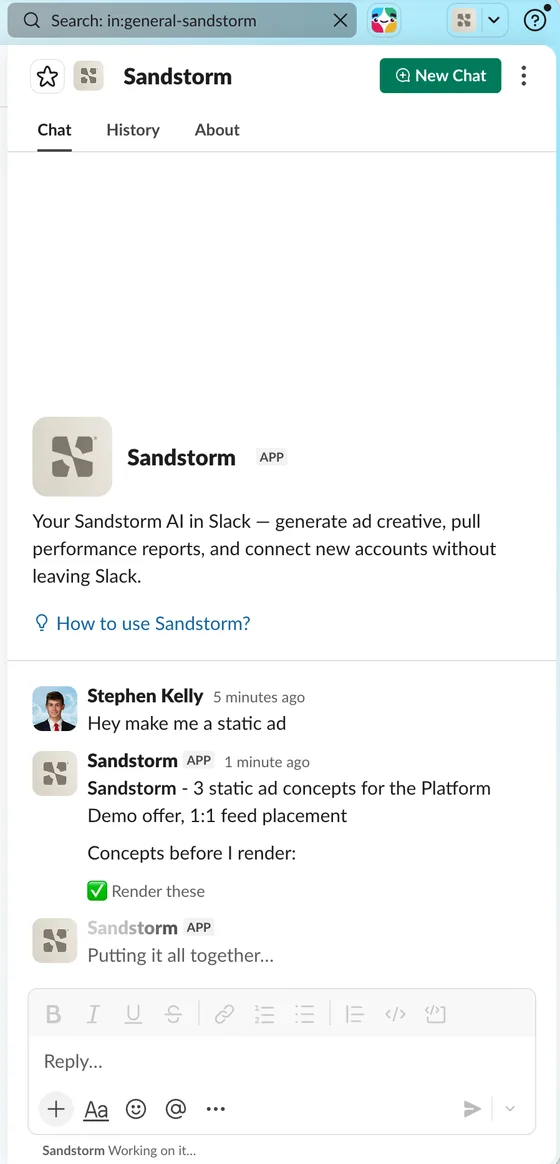
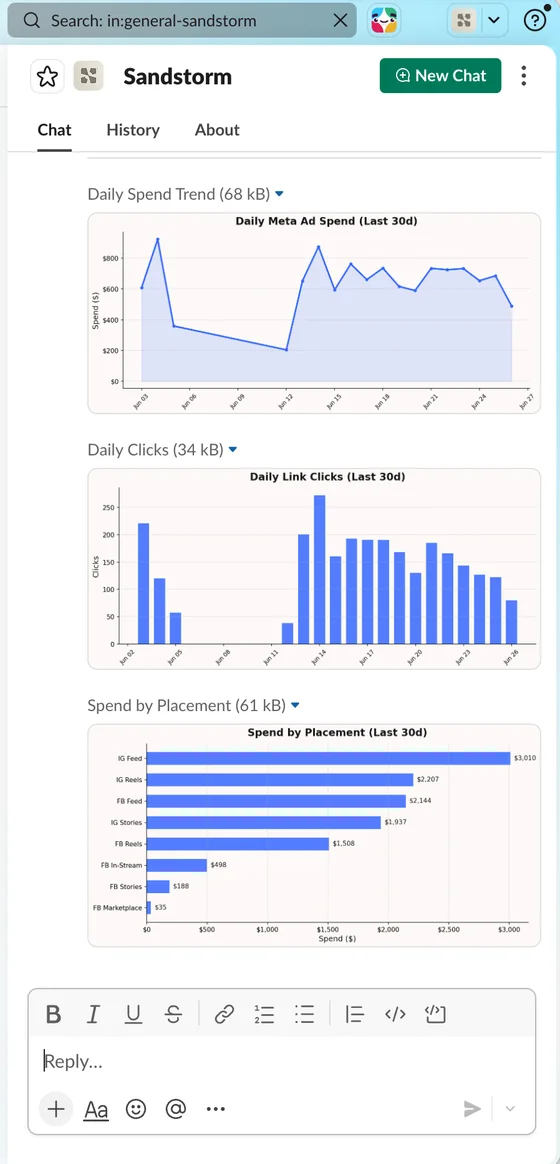
It answers as your brand, in the channel, with the ads in the message.
What it can do from there
The same toolset as the app, from wherever you ask.
Every model, from any of them
Generation spends the same credits as the app, and the results land in your asset library.
 FLUX
FLUX Gemini
 GPT-Image
 Grok Imagine
 Hedra
Hedra Higgsfield
 Hunyuan
 Kling
Kling MiniMax HailuoNano Banana
 Runway Gen-4
 SeedanceSeedreamSora
 VEED
VEED Veo
Veo Wanand more
Questions
What is the Sandstorm MCP server?
A hosted server at https://mcp.sandstormapp.com/mcp that speaks MCP, the open standard Claude uses for connectors. Add it and the client gets the same toolset Sandstorm's own agent uses: brand context, offers and assets, image and video generation, competitor research and ad account management.
Which apps can connect?
claude.ai, Claude Desktop, Claude Code and Claude Team or Enterprise organizations are documented step by step. Any client that supports remote MCP servers over HTTPS with OAuth can use the same URL.
Do I need an API key?
No. Sign in with your Sandstorm account when the browser opens. Tokens refresh on their own, and removing the connector revokes access.
What does it cost?
Nothing extra. It runs on your plan and spends the same credits as the app.
Where do the outputs go?
To the active brand's asset library, returned as permanent CDN links, so nothing lives only in the chat.
Can my whole team use it?
Yes. In a Claude Team or Enterprise organization an Owner adds the connector once. Each teammate signs in with their own Sandstorm seat, and their work is attributed to them.
Is the Figma plugin available now?
Yes. Install it from Settings, then Figma, in Sandstorm, and run it from the Plugins menu in any file. It is distributed by Sandstorm directly, not through the Figma Community.
How do I add Sandstorm to Slack?
From the app: Settings, then Slack, then Add to Slack. Pick which brand each channel answers as, then @mention Sandstorm in a channel or DM it.
Bring the agent to where you work.
Create the account once. Then connect Claude, Figma or Slack in a minute each.