Why Brand Context matters
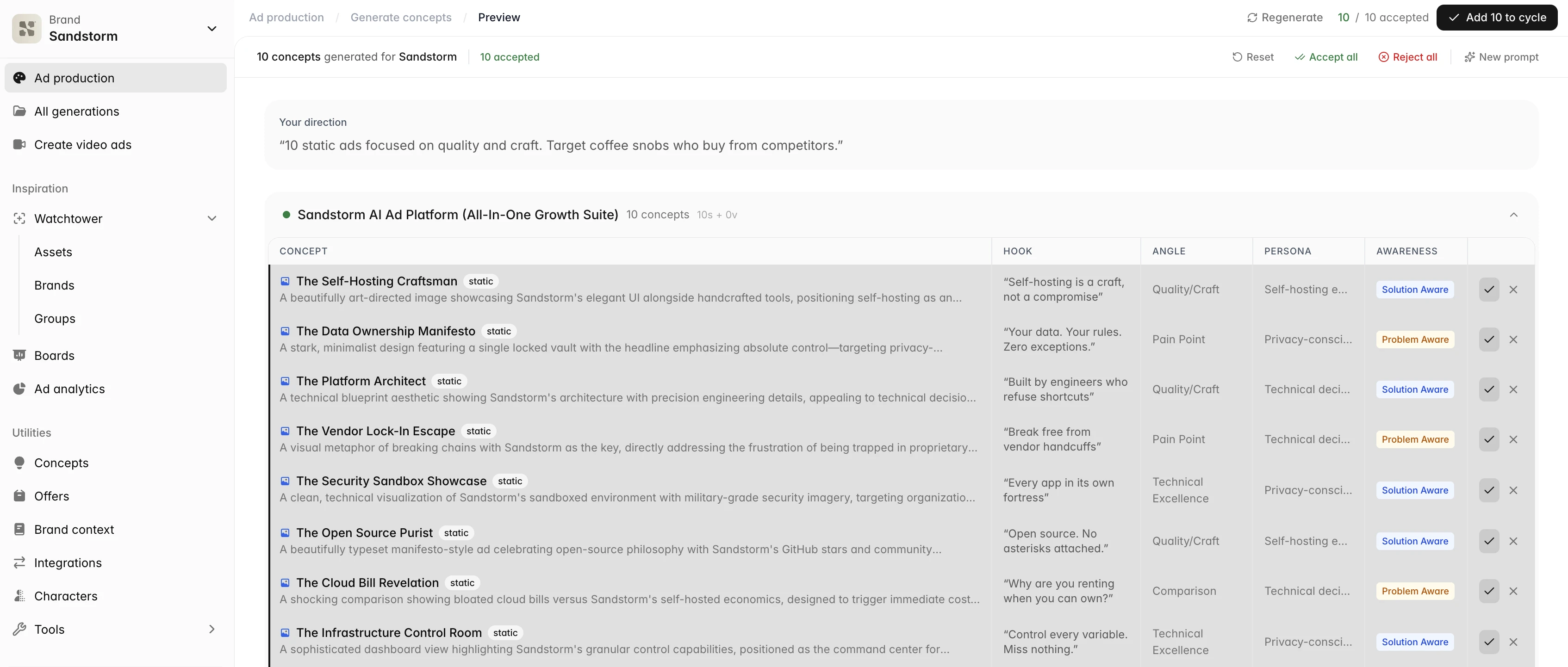
Brand Context is your organization's memory about each brand you work on. Upload guidelines, decks, product info, and brand assets, and Sandstorm pulls out the facts, voice, and visual identity that everything else in the platform uses. Instead of re-briefing the AI every time you start something, you teach it once — and every future generation, ad, and design stays consistent.
 Go to Brand Context
How Brand Context is organized
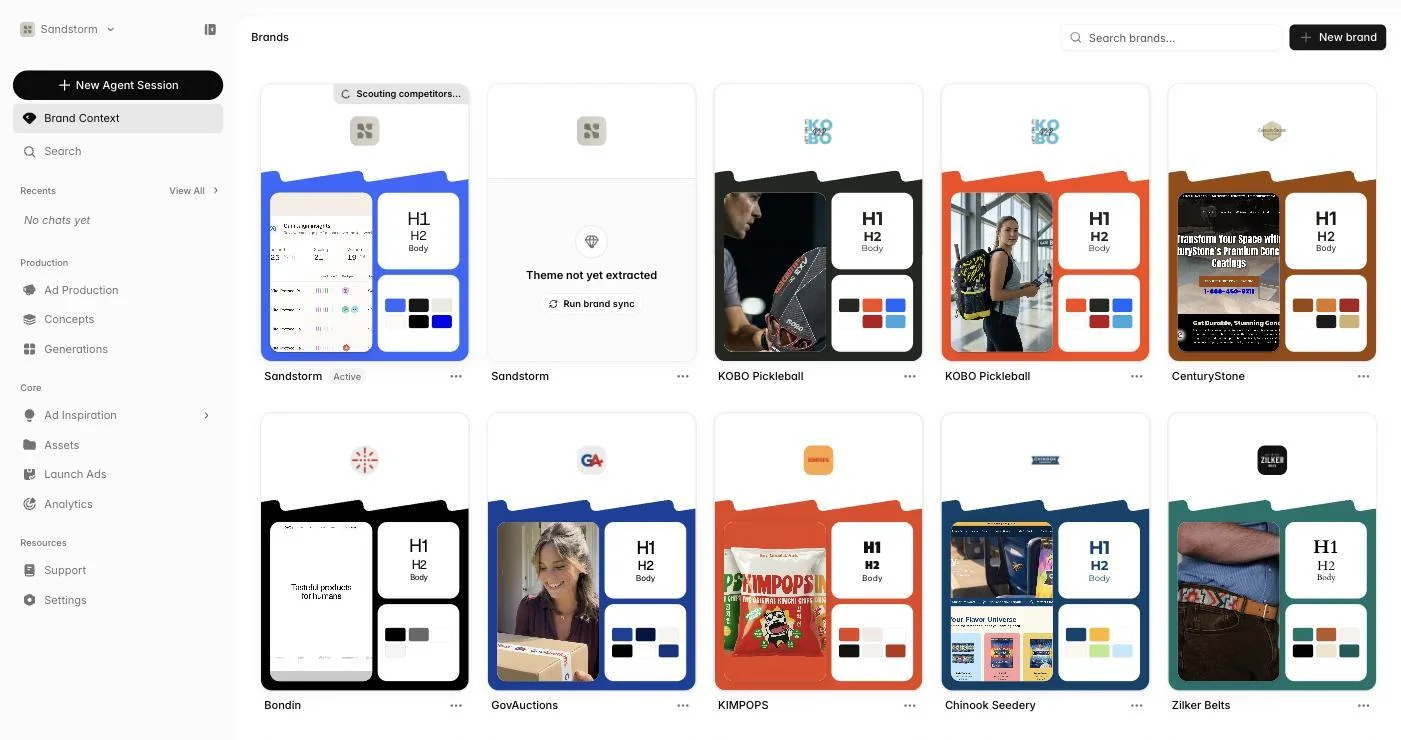
Each brand profile has its own detail page with seven tabs in the sidebar — Theme, Documents, Facts, Insights, Offers, Competitors, and Integrations. The list view at /brand-context shows every brand profile in your organization so you can switch between them. Use the search and filters to find a specific brand quickly.
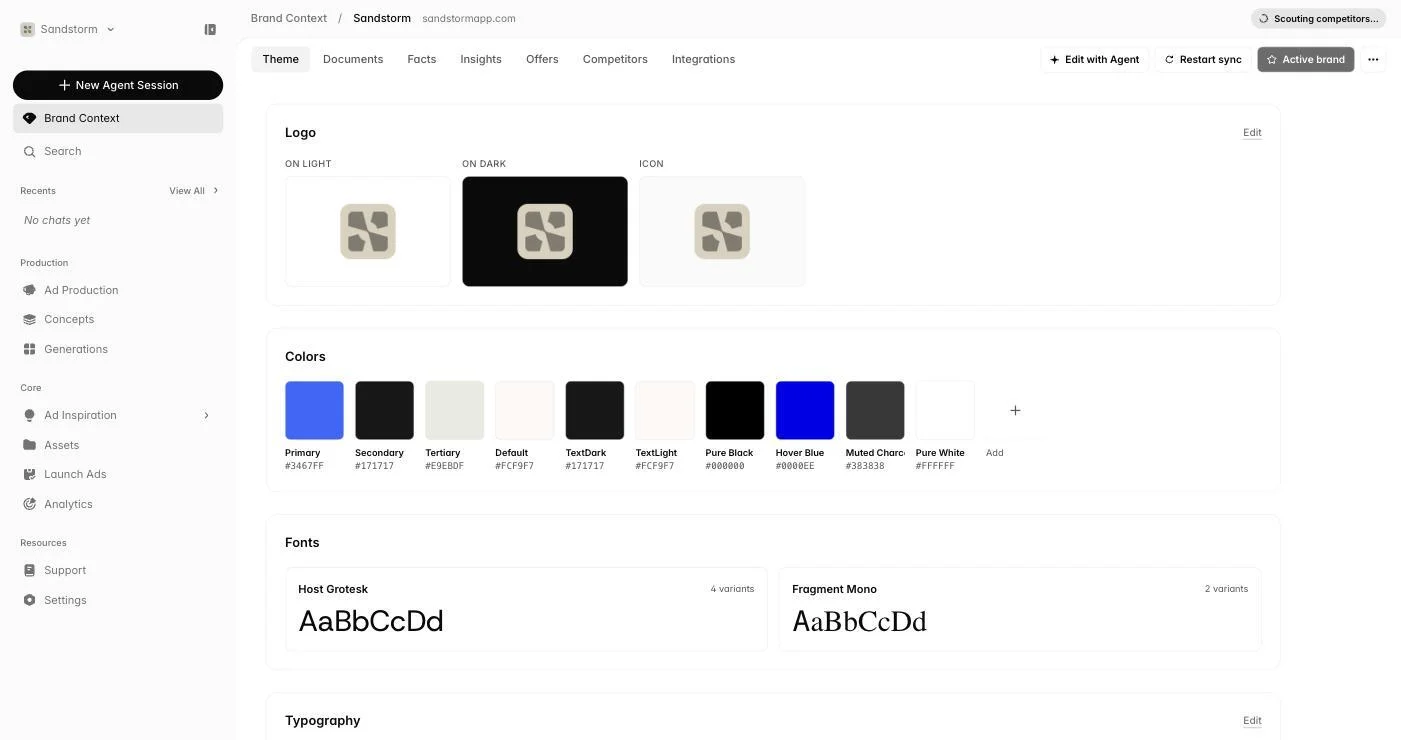
Theme: visual identity
The Theme tab is where you set up your brand's look — primary and accent colors, fonts, logo variants (light, dark, icon-only), and other visual tokens. A side-panel chat lets you describe changes conversationally — 'make the accent more muted, swap the heading font for something serif' — instead of fiddling with individual fields.
Documents
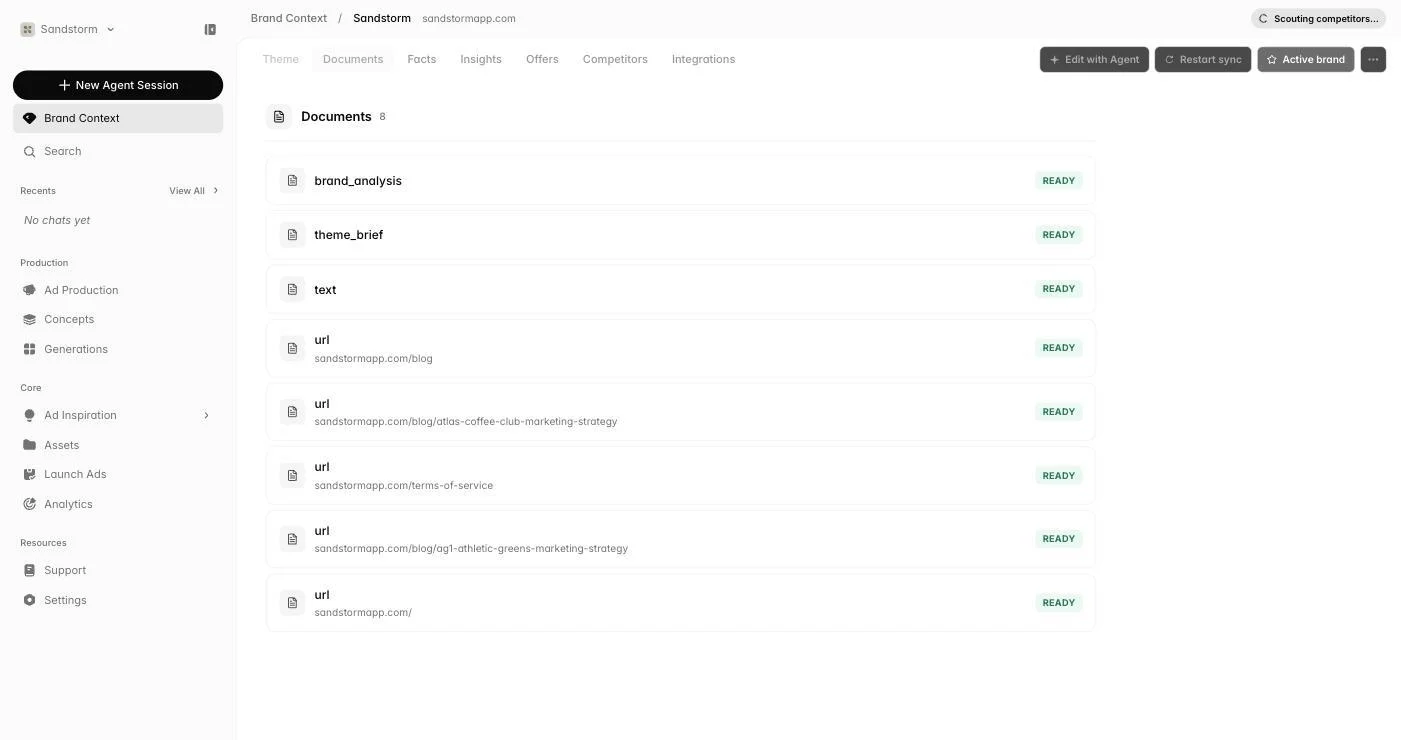
Documents is where you teach Sandstorm everything else about your brand. Upload PDFs (brand guidelines, decks, briefs), videos and audio (recordings, podcasts — captions are read automatically), images (screenshots, swipe-file inspiration), URLs (your homepage, blog posts, press), and plain text. Each document shows a processing status while Sandstorm reads it, then becomes available to the agent and the rest of the platform.
Facts
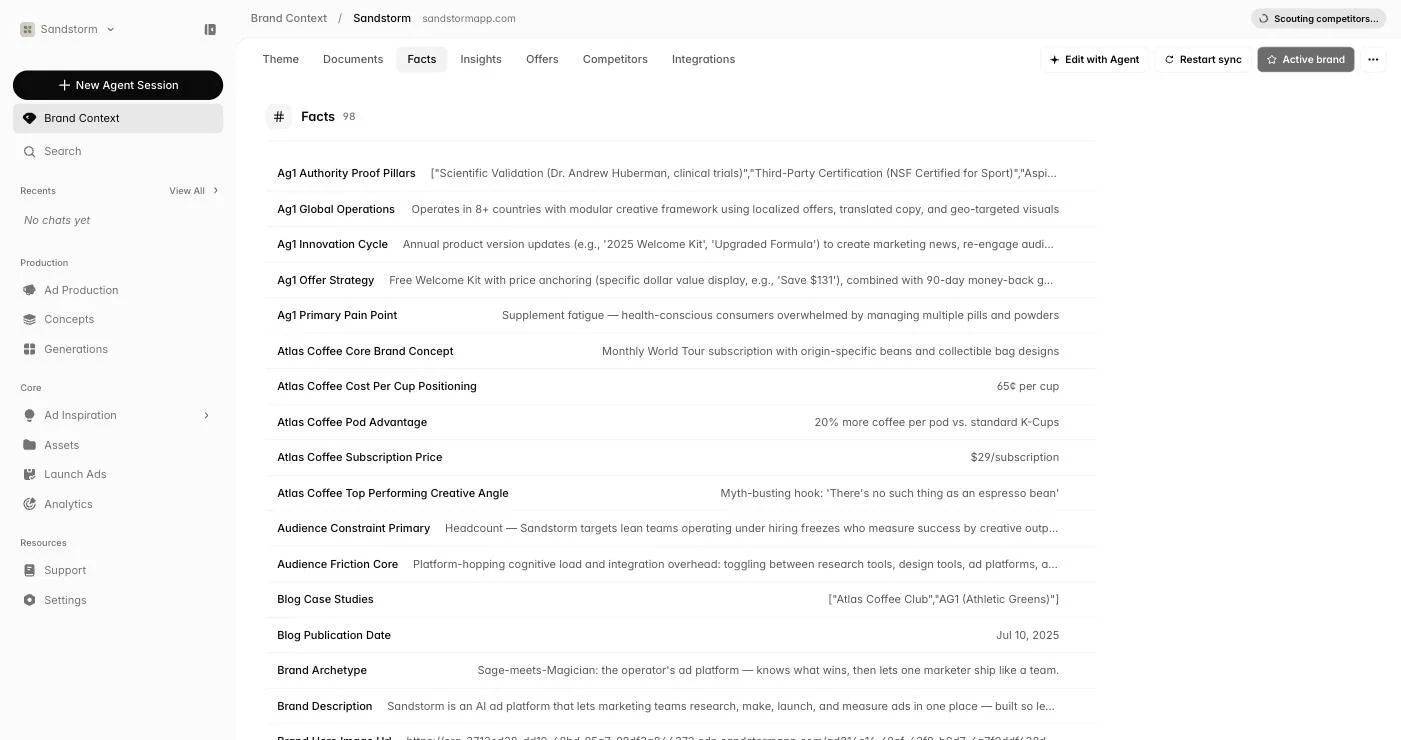
Facts are short, structured pieces of information about your brand — founded year, headquarters, hero product, target persona, pricing, certifications, anything else worth pinning down. Sandstorm reads them out of your documents, and you can also add or edit them by hand. When the agent needs a single, verifiable answer it checks here first.
Insights
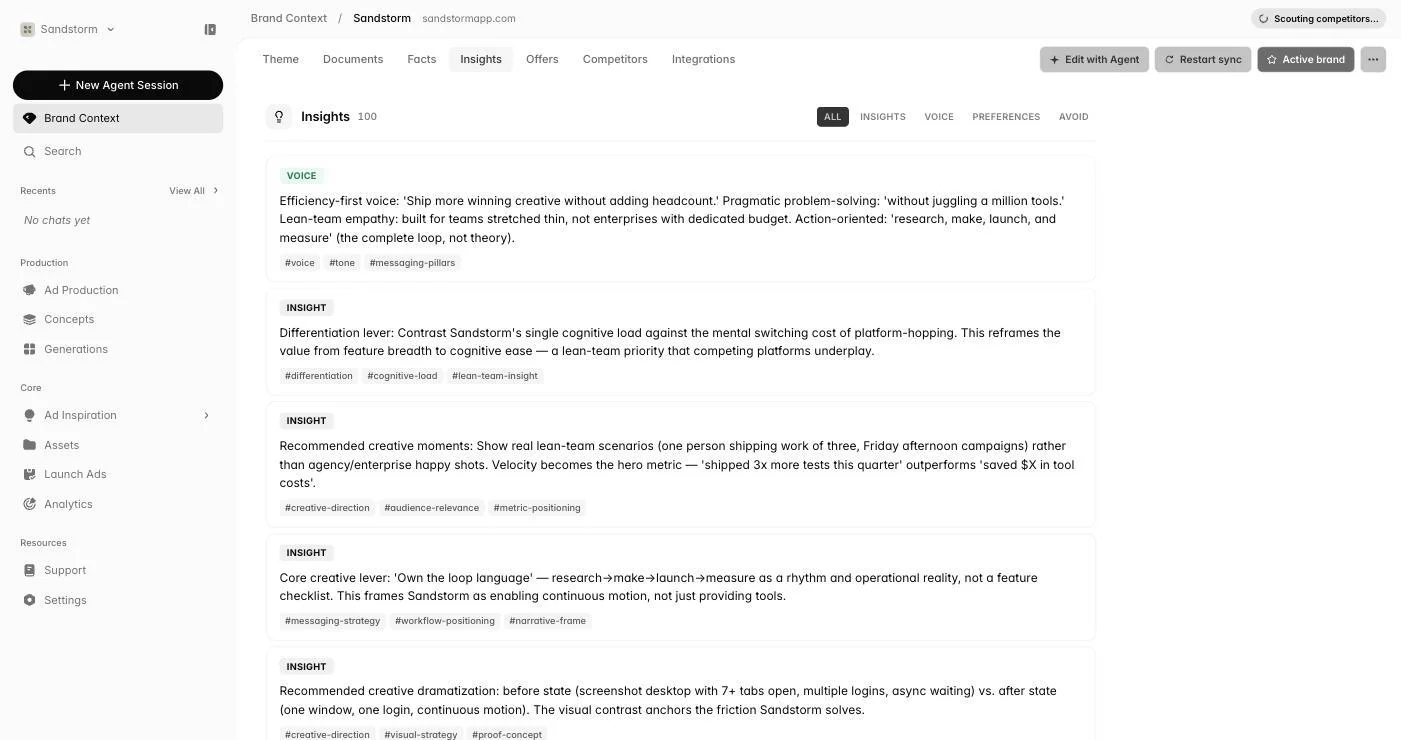
Insights are short brand rules that shape every piece of content Sandstorm creates. They come in four kinds: regular insights (general guidelines like 'always mention the 30-day guarantee'), voice samples (example phrasings that capture your tone), preferences (specific style choices like 'use sans-serif only'), and taboos (things to never say or compare against). Filter by kind, deactivate anything no longer accurate, or add your own.
Offers
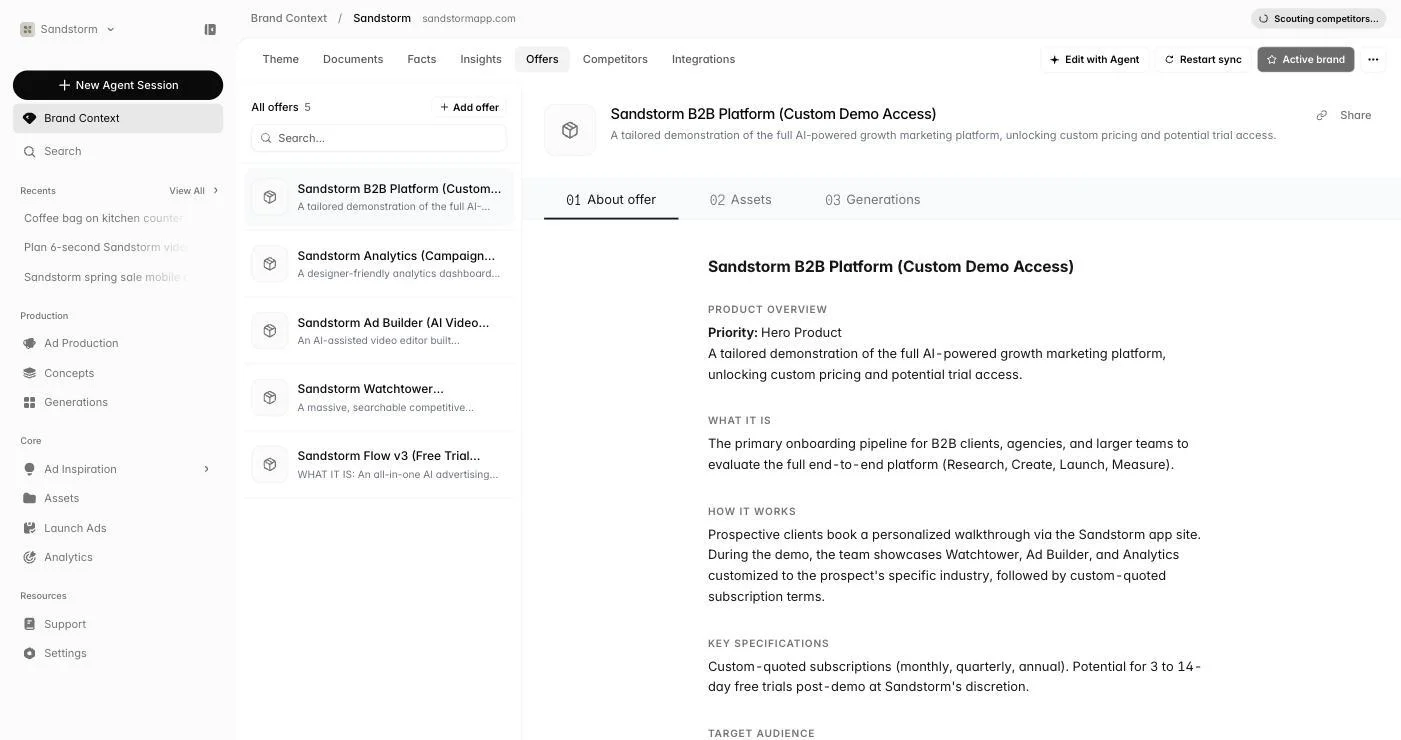
The Offers tab tracks every promotional offer attached to a brand — discounts, free trials, bundles, seasonal pushes. Define the headline, terms, and any landing page or asset that goes with it. When you launch an ad campaign, you can attach an offer so the copy and visuals match the promotion exactly.
Competitors
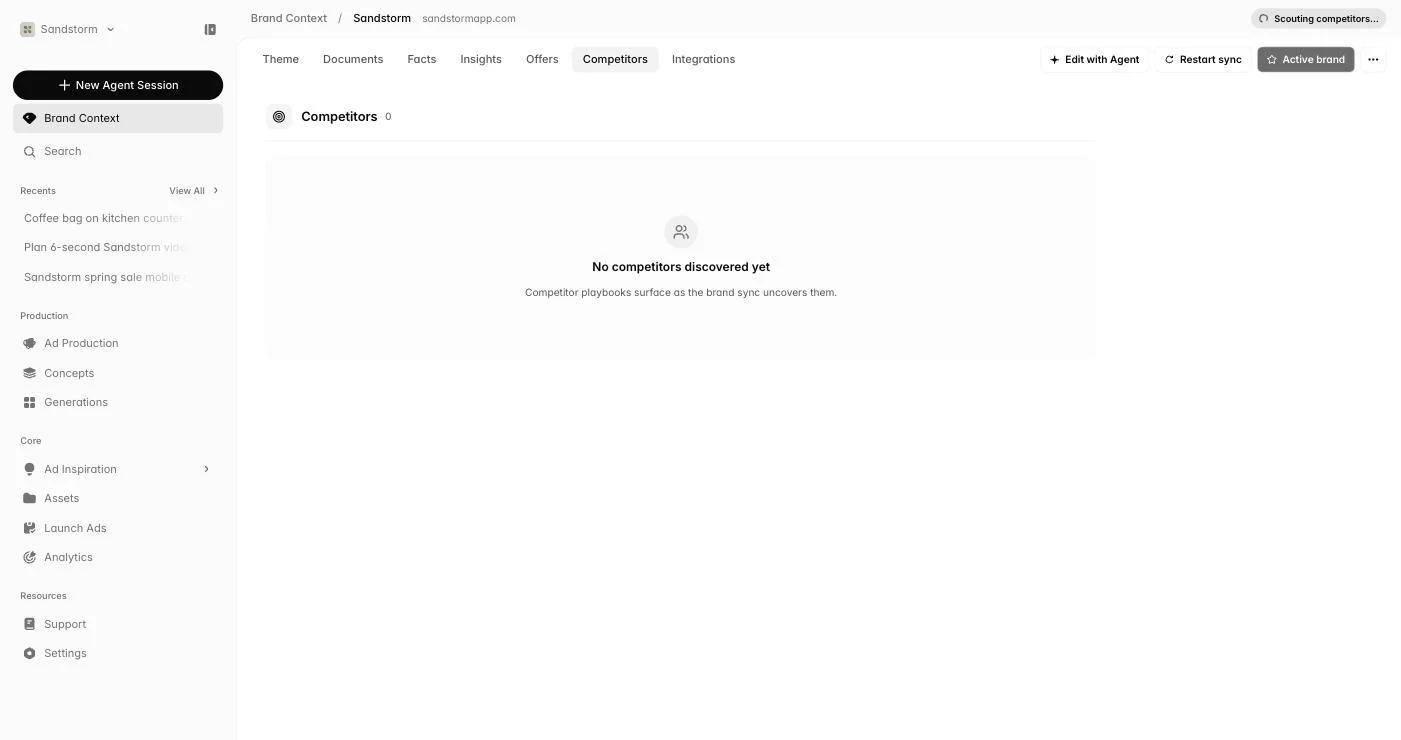
The Competitors tab links this brand profile to brands you're tracking in Watchtower. When you ask the agent 'what's working in our category?' or 'a sharper angle than the rest of the category', it pulls from these specific competitors automatically.
 Open Watchtower
Integrations
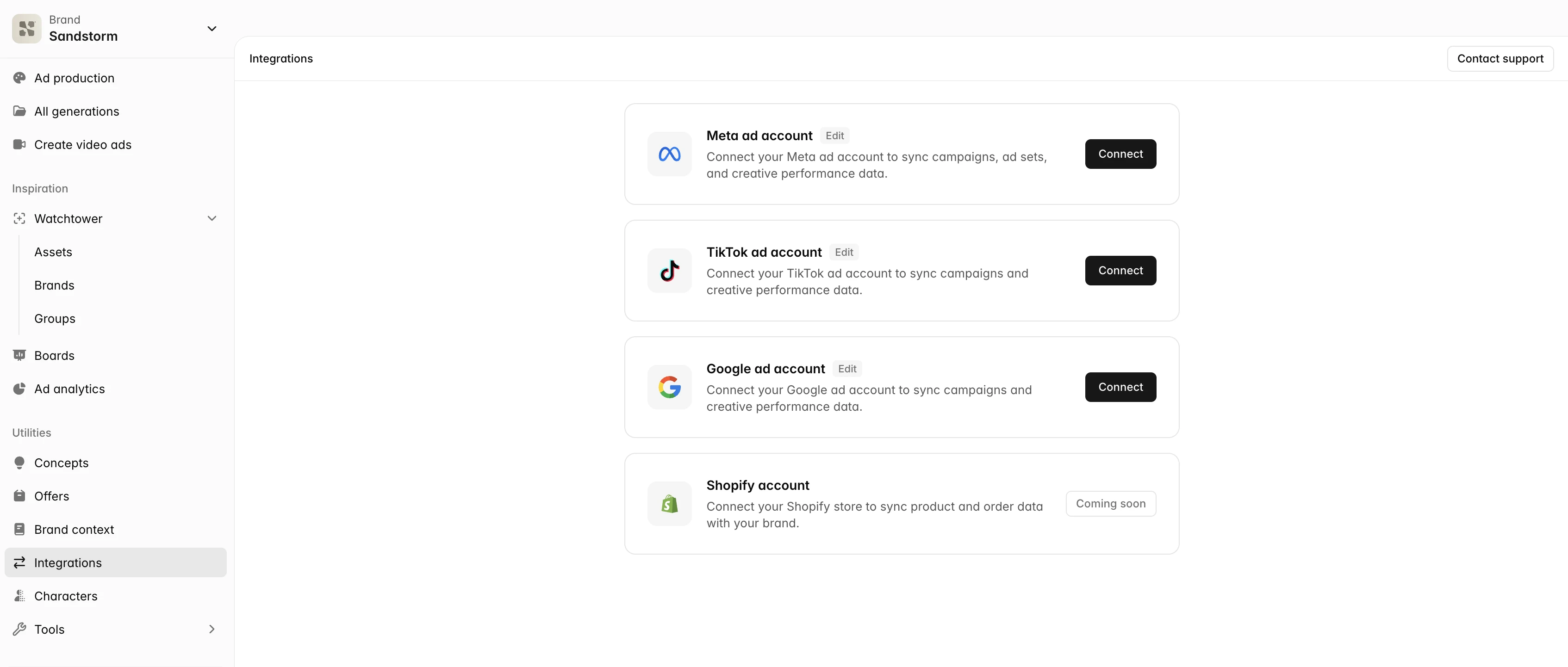
Link your Meta, Google, and TikTok ad accounts to a brand from the Integrations tab. Each brand keeps its own connections, so a multi-brand organization can authorize separate accounts cleanly for each profile. Once connected, the same accounts power Analytics and Launch Ads.