Where to find Settings
Open Settings from the Resources section at the bottom of the sidebar. It has two groups. Team covers what your organization shares: General (the team name), Members, Billing, Usage, Invoices, Slack, Figma and API keys. Account covers you: Profile, Security, Appearance and Notifications. Brand-specific options — theme, documents, integrations, and so on — live in Brand Context instead.
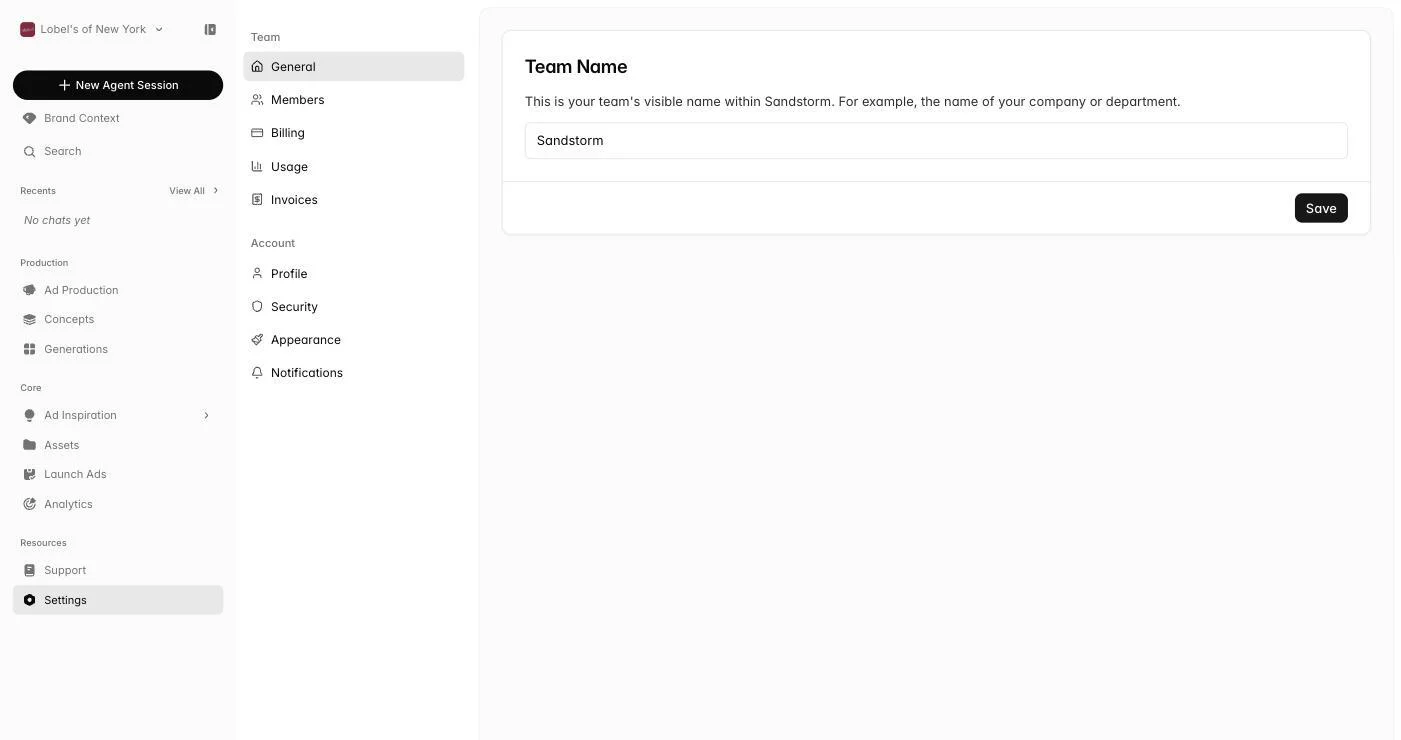 Open Settings
Profile
Update your name, email, and the basic personal details Sandstorm shows your teammates. Anything here is org-wide — it follows you across brand profiles.
Members
Invite teammates and manage roles. Members can collaborate on Ad Production, share boards, see shared brand profiles, and show up in Recents and Session History so you can see who's working on what.
Billing
Manage your subscription plan, payment method, and billing address. Upgrades and downgrades take effect at the start of your next cycle. Credits roll forward depending on your plan.
Open BillingUsage
See how many credits you've used this period and what's still available. Usage breaks down by tool — images, videos, scripts, the agent — so you can see where your spend is going and plan accordingly.
Open UsageInvoices
Download every invoice we've issued for your account. Useful for expense reporting and finance handoff.
Slack
Connect Slack workspaces, set which brands each one can use and which it starts on, and assign client channels to their own organization and brand. See Sandstorm in Slack for the whole setup.
Open Slack settingsFigma
Download the Sandstorm plugin, make a one-time connect code, and see or disconnect every paired plugin. See Sandstorm in Figma for the install steps.
Open Figma settingsAPI keys
Make and revoke the keys your own code uses to call the Sandstorm API. A key is shown once, when you make it. See Sandstorm API, or the API reference for every endpoint.
Open API keysSecurity
Reset your password and manage anything else tied to keeping your account safe.
Appearance
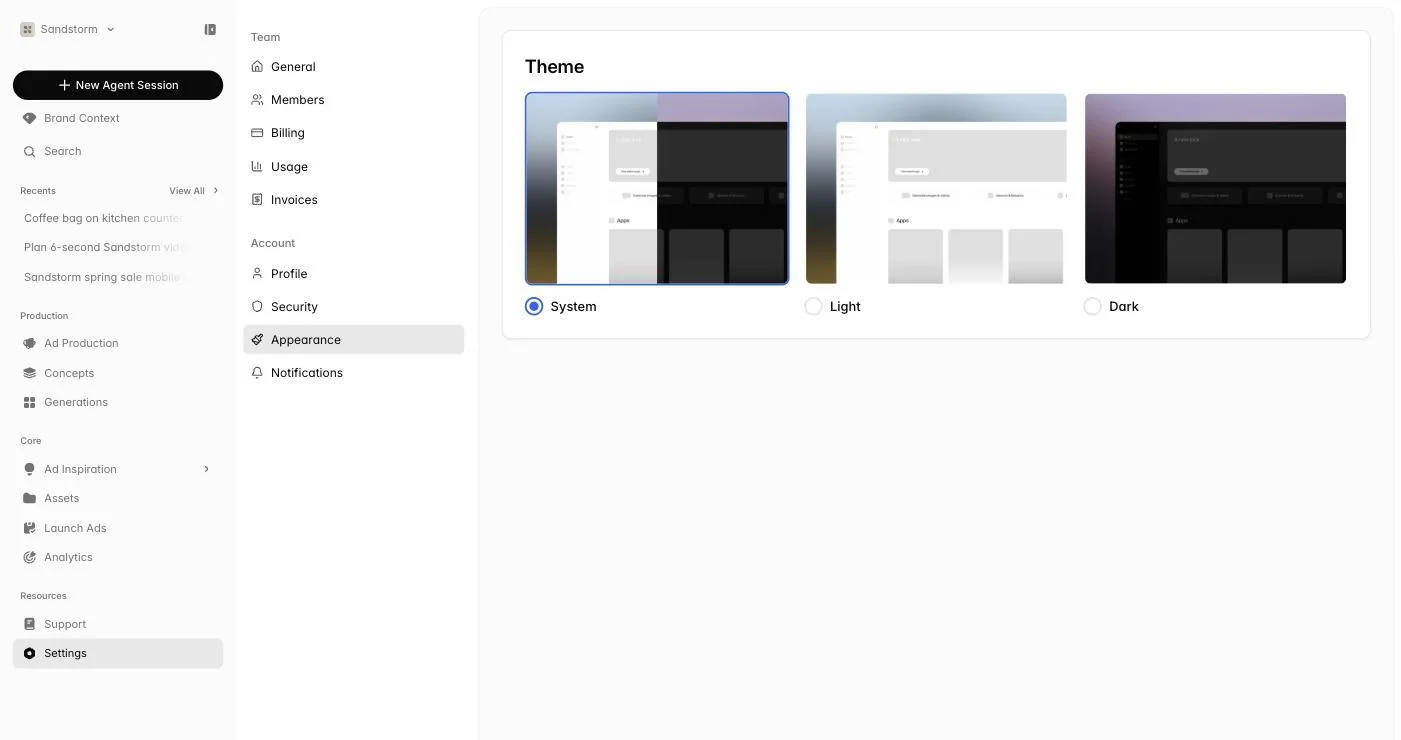
Switch between System, Light, and Dark theme. The choice sticks across devices once you set it.
Notifications
Choose which email notifications you want — generation completion, Watchtower alerts, product updates, marketing — and tune per-brand Watchtower alerts so you only hear about the brands and changes you care about. Watchtower alerts can go to Slack channels too; see Sandstorm in Slack.