Full Session History
For the whole archive, open Session History from 'View All' next to Recents. Search by name, filter by date, and revisit any past conversation. Threads you and your teammates have created all live here.
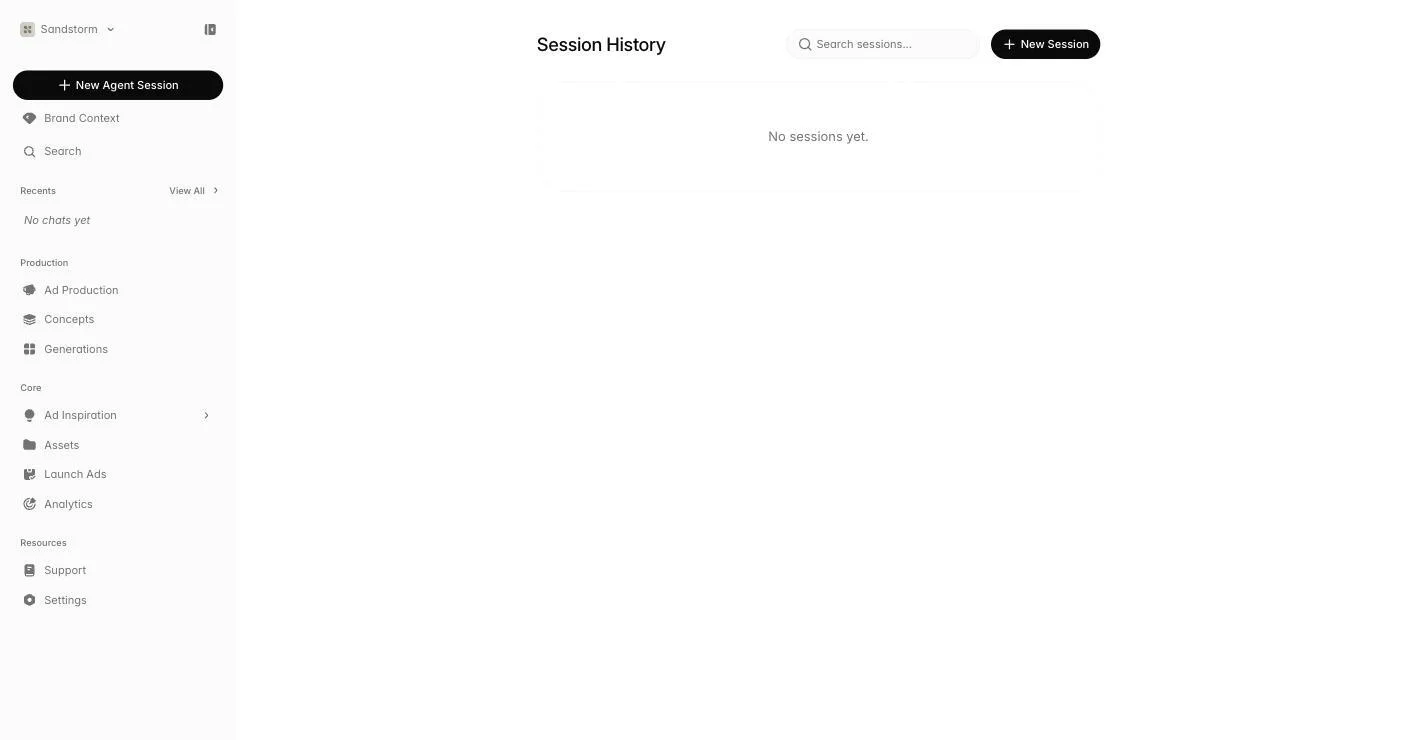 Open Session History
Teammate threads
Threads started by teammates in your organization show up with their avatar so you can see who's been working on what. Open one to read what's been done — useful for picking up a campaign someone else started or auditing the work that went into a launch.
Continuing later
Sessions never expire. Drop a thread for weeks and pick it up — full history, all artifacts, all references intact. The agent will read back into context when you send a new message, so you don't need to re-brief.