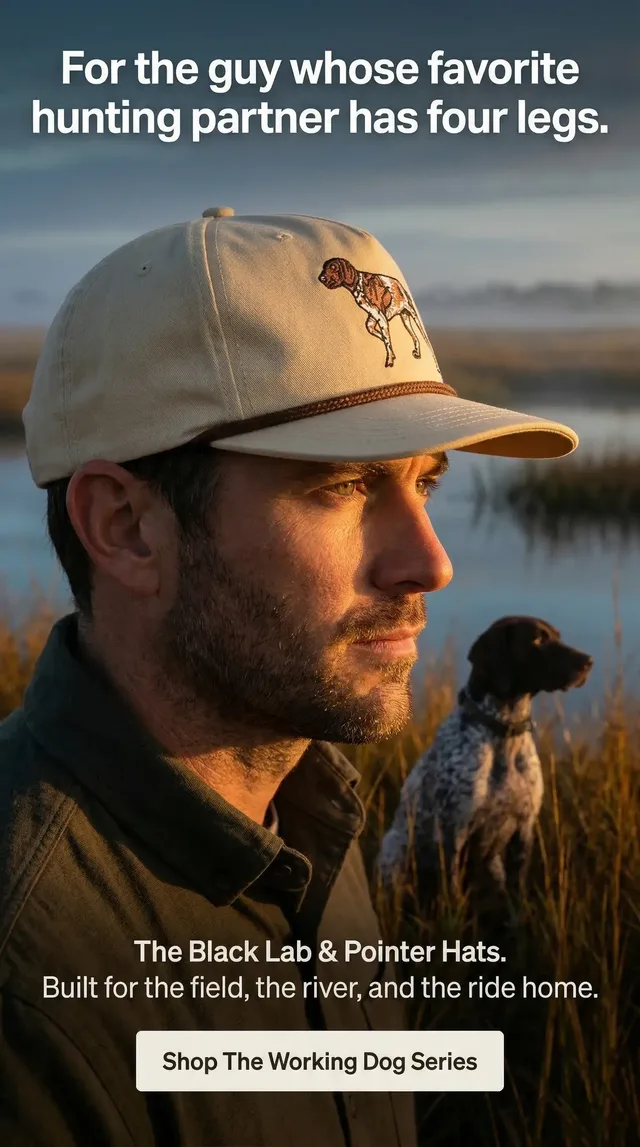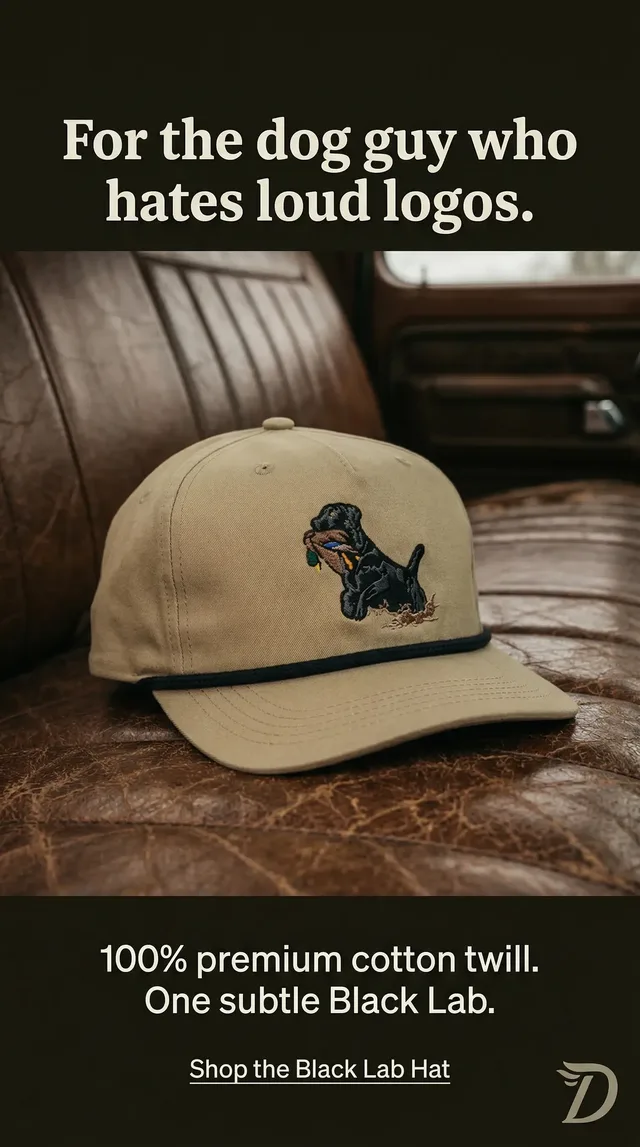

- One request shape,
POST /v1/generations, runs 39 image, video and audio models. The model you name decides whatinputtakes, and the SDKs type it. - Every output lands in the brand’s library with a permanent link and an asset id you can pass straight into the next model.
GET /v1/brandreturns the voice, audience, rules, colors, fonts and logos as JSON, and offers come with their real product photos, so what you make looks like the brand.- Stills come back in the same response with
Prefer: wait=60. Long renders poll, or call a signed webhook. - A failed generation is free. Everything else spends your team’s credits at $0.05 each, at the same prices as the app.
- Rather not write code? The Sandstorm MCP server gives Claude the same tools with your Sandstorm sign-in and no key.
Every ad Sandstorm makes starts the same way. The agent reads the brand, picks a product, pulls its real photos, chooses the model for the shot and saves what comes back to the brand’s library. You type give me ads, and all of that happens behind one sentence.
The API is that same machinery with the chat taken off. One key gets you the 39 models the agent uses, the brand kit it reads, the products and photos it builds on, the library it saves to and the competitor ads it studies. If you are building something that needs ads in it, you no longer have to stitch five vendors and a brand guide together to get there.
This is the developer’s tour: the first request, how to keep what you make on brand, how to chain a still into a video with a voiceover, how to handle renders that take minutes, and what you can build on it. Every snippet uses the TypeScript SDK against ads.dev, and each one builds on the one before.
What the Sandstorm API Is
Most image and video APIs give you a model and a prompt box. That is the easy part of an ad. The hard part is everything around the picture: whose brand it is, which product it sells, what that product actually looks like, which voice the copy is in, and what is already working in the category. A model knows none of that.
The Sandstorm API is built around the brand instead of the model. A key belongs to your Sandstorm team and acts on one of its brands, and through it you get:
- Generation. 16 image, 16 video and 7 audio models from Nano Banana, GPT Image, Seedream, Topaz, Seedance, Kling, Gemini Omni, sync, ElevenLabs, MiniMax and Sonilo, behind one request shape.
- The brand kit. Voice, audience, positioning, rules, colors, typography, font files and logos, as JSON.
- Offers. The products and services the brand sells, with variants, sizes and photos from every angle.
- The library. Every image, video and audio file the brand has, including everything the API makes.
- Characters and voices. People, products and places kept consistent across shots, and voices for voiceovers.
- Competitor ads. Any advertiser by name and the ads it runs on Meta, LinkedIn and Google, or every tracked ad searched by what it says and shows.
The base URL is ads.dev. Authentication is a bearer token, Authorization: Bearer sk_live_…. To work on another brand in the same team, send its id in a Sandstorm-Brand header. Brands are unlimited, so an agency can run every client through one integration.
Your First Ad in One Request
Make a key in Sandstorm under Settings → API keys. It is shown once. Or let the terminal do it: this signs you in in the browser, makes a key and writes it to .env as SANDSTORM_API_KEY.
curl -fsSL https://ads.dev/login.mjs -o sandstorm-login.mjs && node sandstorm-login.mjsThen install an SDK. The TypeScript one runs on Node, Deno, Bun and edge runtimes and needs nothing but fetch. The Python one has a sync and an async client.
npm install ads.dev   # TypeScript
pip install ads_dev   # Python
Now the request. Name a model, give it the input that model takes, and wait for the finished file:
import { Sandstorm } from 'ads.dev'

const sandstorm = new Sandstorm()

const generation = await sandstorm.generations.run(
  'nano-banana-pro',
  {
    prompt: 'A ceramic mug on a sunlit bench',
    aspect_ratio: '4:5',
  },
)
console.log(generation.output[0]?.url)
run creates the generation and holds the request open until it finishes, so a still comes back in one round trip. Underneath, that is the Prefer: wait=60 header, which any language can send:
curl https://ads.dev/v1/generations \
  -H "Authorization: Bearer $SANDSTORM_API_KEY" \
  -H "Content-Type: application/json" \
  -H "Prefer: wait=60" \
  -d '{
    "model": "nano-banana-pro",
    "input": {
      "prompt": "A ceramic mug on a sunlit bench",
      "aspect_ratio": "4:5"
    }
}'{
"id": "gen_6c1f0e9a7b2d4c55a1e3f08b9d2c4e71",
"model": "nano-banana-pro",
"status": "succeeded",
"output": [{
"id": "asset_9c1e77aa",
"type": "image",
"url": "https://cdn.sandstormapp.com/…/9c1e77aa.png",
"width": 1856,
"height": 2304
}],
"credits": 6
}The output has a permanent link you can put straight into a page, an email or an ad platform, and an id. It is already in the brand’s library in Sandstorm, next to everything the team made in the app. credits is what the generation was charged, and one that fails is charged nothing.
Keep Every Ad On Brand
A model given only a prompt makes a nice picture of a product you do not sell. Two reads fix that.
GET /v1/brand returns the brand kit in one call: how the brand sounds, who it is for, how it is positioned, the rules its people have stated, its colors, its type, links to its font files, and its logos as asset ids. GET /v1/offers returns what the brand sells, and each offer comes with its photos, the real ones, sorted by variant.
Put the two together and an edit model builds the ad on the actual product:
const brand = await sandstorm.brand.get()

const [match] = (await sandstorm.offers.list({ query: 'cold brew' })).data
const offer = await sandstorm.offers.get(match!.id)
const [photo] = [...offer.photos, ...offer.variants.flatMap((v) => v.photos)]

const ad = await sandstorm.generations.run('nano-banana-pro/edit', {
  images: [photo!.id],
  prompt: [
    '@image1 on a sunlit kitchen counter, morning light, shot on a phone.',
    `Colors from the palette: ${brand.colors.map((c) => c.hex).join(', ')}.`,
    `Made for ${brand.audience ?? 'its customers'}.`,
  ].join(' '),
  aspect_ratio: '4:5',
})
@image1 is how every model cites its media inputs, by place in the list. A media input takes an asset id or any public https URL, and a URL is imported into the library first, so it gets an id too.
When the copy should be set in the image itself, gpt-image-2.5-flare is the model built for type and exact layouts. Otherwise put the headline and the logo on as layers in your own template, with the font files the brand kit links to. A redrawn logo is the quickest way to make an ad look fake.
Chain a Still Into a Video Into a Voiceover
Every output is an asset with an id, and every media input takes an asset id. So the output of one model is the input of the next, with no downloads or re-uploads between them.
const still = await sandstorm.generations.run('nano-banana-pro', {
  prompt: 'A rancher in a denim shirt leaning on a fence at golden hour',
  aspect_ratio: '9:16',
})

const clip = await sandstorm.generations.run('seedance-2.5/image-to-video', {
  start_image: still.output[0]!.id,
  prompt: 'He looks up from the fence and smiles at the camera',
  duration: 8,
  resolution: '1080p',
})

const [voice] = (await sandstorm.voices.list({ use_case: 'advertisement', limit: 1 })).data

const voiceover = await sandstorm.generations.run('elevenlabs/voiceover', {
  text: 'Built for the long days. Ready when you are.',
  voice: voice!.id,
})
Some of the models exist for exactly this kind of pipeline. seedance-2.5/image-to-video saves its last frame as an image with return_last_frame, so the next clip starts where this one ended. A Seedance 2.5 clip can be made as a cheap 480p draft, and seedance-2.5/finish turns the one you keep into 1080p within seven days. sync-3/lipsync re-syncs a speaker’s lips to new audio, so one take becomes a dub in another language.
Long Renders: Wait, Poll or Take a Webhook
Stills finish in seconds. A 30-second 1080p video can take minutes. There are three ways to wait, and run uses the first for you.
- Wait in the request. Send
Prefer: wait=60, up to 200 seconds, and the finished generation comes back in the same response. - Poll. A generation is
queued, thenrunning, thensucceeded,failedorcanceled. ReadGET /v1/generations/{id}every few seconds until it ends. - Take the webhook. Pass a
webhook_url, and the finished generation is POSTed to it, signed.
const queued = await sandstorm.generations.create(
  'kling-4/image-to-video',
  { start_image: still.output[0]!.id, prompt: 'Slow push in as the light warms' },
  { webhookUrl: 'https://yourapp.com/hooks/sandstorm', idempotencyKey: 'launch-42-hero' },
)import { verifyWebhook } from 'ads.dev'
const secret = await sandstorm.webhooks.secret()
export async function POST(request: Request) {
const event = await verifyWebhook({
secret,
body: await request.text(),
signature: request.headers.get('sandstorm-signature'),
})
if (event.type === 'generation.succeeded') console.log(event.data.output)
return new Response(null, { status: 204 })
}A delivery that does not get a 2xx is retried five times over about seven hours. An event’s id is the same on every retry, so a handler can skip one it has seen, and verifyWebhook refuses a changed body, a signature from another secret, or a delivery more than five minutes old.
The Idempotency-Key makes a retried create safe. The SDK sends one with every call and keeps it across its own retries; pass your own to stay safe across process restarts. A queued generation can be canceled for nothing. One the model has already started stops where the model allows it, and otherwise finishes and is charged.
Start From What Is Already Working
The fastest way to a good ad is knowing what the category already runs. Sandstorm tracks the ads brands run on Meta, LinkedIn and Google, and the API reads them: copy, call to action, placements, run dates and, for video, the transcript.
Find an advertiser by name, then read its ads, filtered by status, platform, format, start date and how long they have run. An ad that has run for months is an ad that is paying for itself.
const [advertiser] = (await sandstorm.advertisers.list({ query: 'Liquid Death' })).data

const longRunners = await sandstorm.ads.list({
  advertiser: advertiser!.id,
  status: 'active',
  min_active_days: 60,
})

for (const ad of longRunners.data) console.log(ad.active_days, ad.title, ad.body)
Leave out advertiser and pass a query instead, and it searches every tracked ad by what it says and shows, so one call finds an angle across a whole category. GET /v1/ads/{id} adds the transcript of a video ad and a link to its media.
Use it to choose the angle, not to copy the ad. Read what the long runners say, find the argument they all make, and make yours the one they don’t.
What You Can Build With It
The API is the parts. Here is some of what they add up to.
- A creative pipeline for your own brand. A nightly job reads yesterday’s winners from your ad account, writes four new angles, renders each in 1:1, 4:5 and 9:16, and drops the links in Slack for review.
- An agency’s client tool. Every client is a brand on your team. Send its id as
Sandstorm-Brand, and the same code makes work for each one from its own kit, products and library. - Listings with ads attached. Import a new product’s photos with
POST /v1/assets, make stills on them with an edit model, and the ad set exists before the listing goes live. - Every market at once.
seedream-5-prosets in-image text in 14 languages,elevenlabs/voiceoverreads the script in the market’s language, andsync-3/lipsyncputs the new line in the presenter’s mouth. - Competitive briefs. A weekly report of the ads your competitors started, the ones still running after 60 days, and what their videos say.
- Your own agent. Point Claude Code, Cursor or any coding agent at ads.dev/llms.txt. It describes the whole API for a model, and the login command lets an agent get a key once you sign in.
Each key can send 300 requests a minute, and a team can have 1,000 generations running at once, so batch work is a loop, not a queue you build yourself.
Pricing, Limits and Errors
- Billing. Generations spend your team’s Sandstorm credits, at $0.05 a credit and the same per-model prices as the app. A call is charged once it succeeds, rounded up to the next $0.05, and
GET /v1/modelslists every price. - Failures are free. Credits are held while a generation runs and released if it fails, or if you cancel it before the model starts.
- Limits. 300 requests a minute per key, 1,000 generations running at once per team, and request bodies up to 1 MiB.
- Outputs. Kept in the brand’s library, with permanent links.
- Errors. Every refusal is
{ error: { type, code, message, param, request_id } }, with 402 when the team needs more credits, 429 past the rate limit and 503 when a retry will work. The SDKs retry 408, 429 and 5xx twice with backoff, after theRetry-Afterthe API asks for. - Keys. Keep them on your server, because anyone who holds one spends your credits. Revoke a key any time in Settings → API keys.
Or Skip the Code
If what you want is ads rather than an integration, you do not need the API at all. In Sandstorm, the agent does every step in this article from one sentence. Say give me ads and it reads the brand, picks the products, writes the briefs and makes the statics and the video. Say publish and it launches them on Meta, TikTok and Google Ads.
And if you work in Claude, the Sandstorm MCP server at mcp.sandstormapp.com/mcp gives Claude the same tools with your Sandstorm sign-in, and no key to manage.
Questions
What is an ad generation API?
An API that makes ad creative from your code: images, video and audio, returned as files. A good one also knows the brand it is making ads for. The Sandstorm API runs 39 image, video and audio models and pairs them with the brand kit, the brand's products and their photos, its asset library and the ads its competitors run, so what comes back looks like the brand and sells a real product.
Can I generate video ads with an API?
Yes. The Sandstorm API runs 16 video models, including Seedance 2.5, Kling and Gemini Omni Flash, from a prompt, a start image or reference images, with sound. Clips run up to 30 seconds depending on the model. Long renders come back by polling or a signed webhook, and sync-3 re-syncs a speaker's lips to new audio.
How do I keep AI-generated ads on brand through an API?
Read the brand before you generate. GET /v1/brand returns the voice, audience, positioning, rules, colors, fonts and logos, and GET /v1/offers returns the products with their real photos. Pass the photos to an edit model as inputs instead of describing the product, and set the headline and logo as layers in your own layout, or use a model built for type.
Which model should I use for ad images?
Nano Banana Pro for photoreal people, products and the first frames of video. GPT Image 2.5 Flare when the copy is set in the image or the layout is exact. Seedream 5 Pro for apparel and for in-image text in 14 languages. Nano Banana 2 Lite for fast drafts. GET /v1/models describes what each model is best for, its price and its full input schema.
Does the API publish ads to Meta, TikTok or Google?
No. The API makes and stores creative and reads competitor ads. Publishing is the Sandstorm agent's job in the app, where it launches ads on Meta, TikTok and Google Ads when you say publish. From your own code, use each platform's API with the links the Sandstorm API returns.
Can one integration work for more than one brand?
Yes. A key belongs to your Sandstorm team and acts on the brand it was made on. Send another brand's id in the Sandstorm-Brand header to work on any brand in the same team. Brands are unlimited, so an agency can run every client through one integration.